
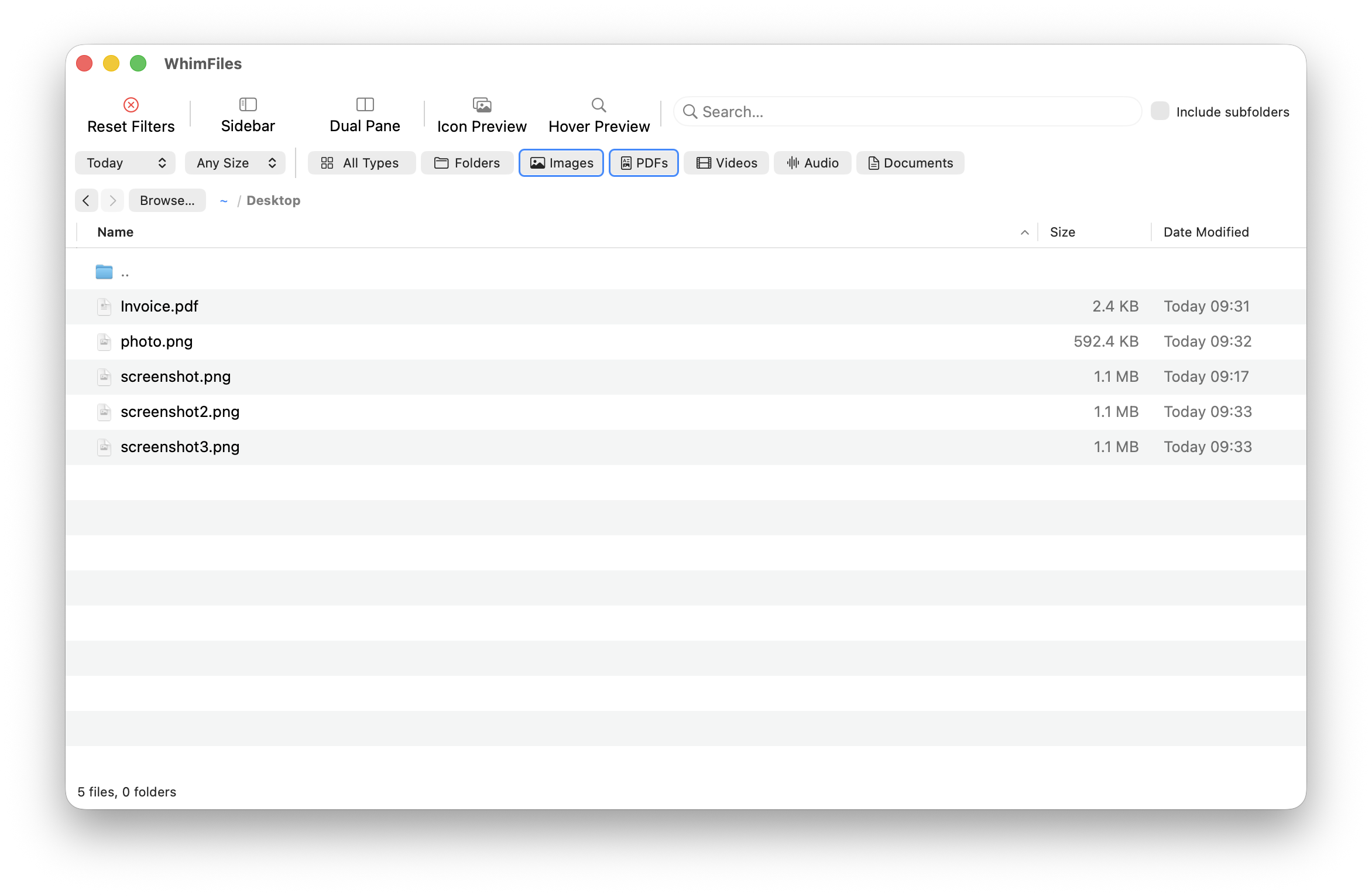
 1 / 6
1 / 6About
WhimFiles is a native macOS file manager for anyone whose Downloads folder has quietly turned into a landfill. Instead of digging through Finder windows, you narrow a folder by file type, date range, size and search term all at once, and the results update as you type. On top of that sit the things power users miss in Finder: dual panes, tabs that remember their filters, fuzzy go-to-folder, and hover previews. It was made by a solo developer who publishes as Whimbyte. The app started as a simple tool for cleaning up a neglected Downloads folder and grew one feature at a time. The developer built it with Claude Code, in C# and .NET on top of Apple's AppKit, compiled ahead of time to native code, so the whole app is only about 9 MB. Because a file manager must never lose your files, the maker says they spent extra effort hardening move, copy and delete: copies are written to a temporary file and renamed into place atomically, and every operation was audited and checked by hand. It is also privacy-minded. The only network call is an update check, and the trial doesn't phone home at all. Highlights: • Filter any folder by type, date, size and text at the same time, with optional recursive search • Fuzzy Go to Folder and Go to File: type a few letters of a path and jump straight there • Dual-pane view for moving or copying files between two folders • Tabs that each keep their own folders, filters and layout, and come back after a restart • Hover previews for images and PDFs, thumbnail mode and Quick Look • Batch rename with find and replace, regex, numbering and a live preview • Right-click conversion of HEIC, WebP and AVIF to JPG or PNG, plus ZIP creation and undo for moves and trash • A command palette, bookmarks, a volume sidebar and an Open in Terminal command WhimFiles is a one-time purchase of US$24.99, with a 30-day free trial and no subscription. It is code-signed and notarized, and it requires a Mac with Apple Silicon running macOS 12 or later.
Reviews
Sign in to review. Reviews carry how long you have used the product.
No reviews yet. The first one from someone actually using it is worth a lot.
Similar

OpenClaw
Open-source AI assistant that runs on your machine and in your chats
DesktopCLIiOS
AppsOpen source
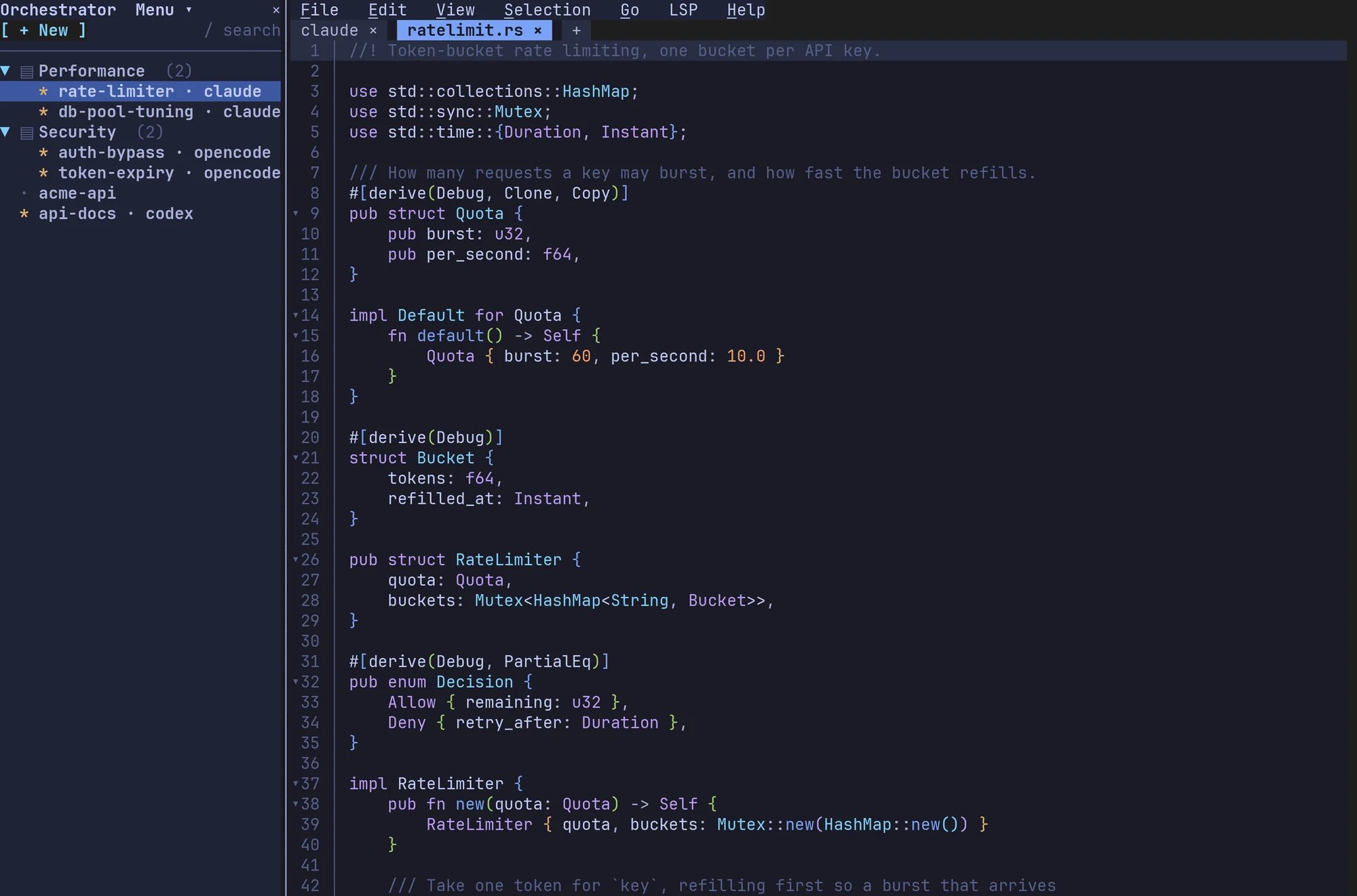
Fresh
Fast, zero-config terminal IDE with familiar keys and agent workspaces
CLIDesktop
ToolsOpen source
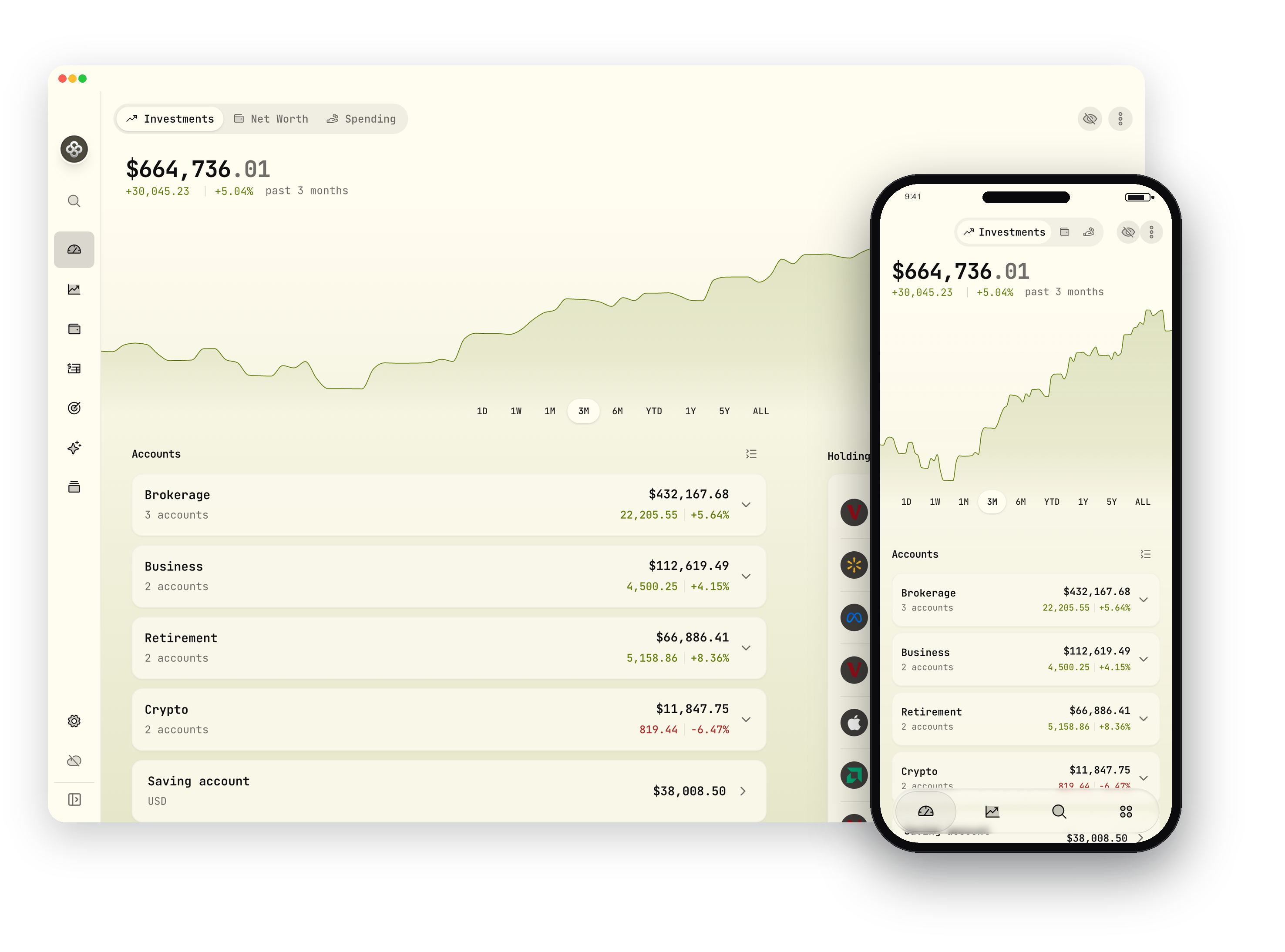
Wealthfolio
Private, open-source investment tracker and personal finance app
DesktopiOSAndroid
AppsFreemium

Raindrop.io
All-in-one bookmark manager for links, articles and media
WebDesktopiOS
AppsFreemium
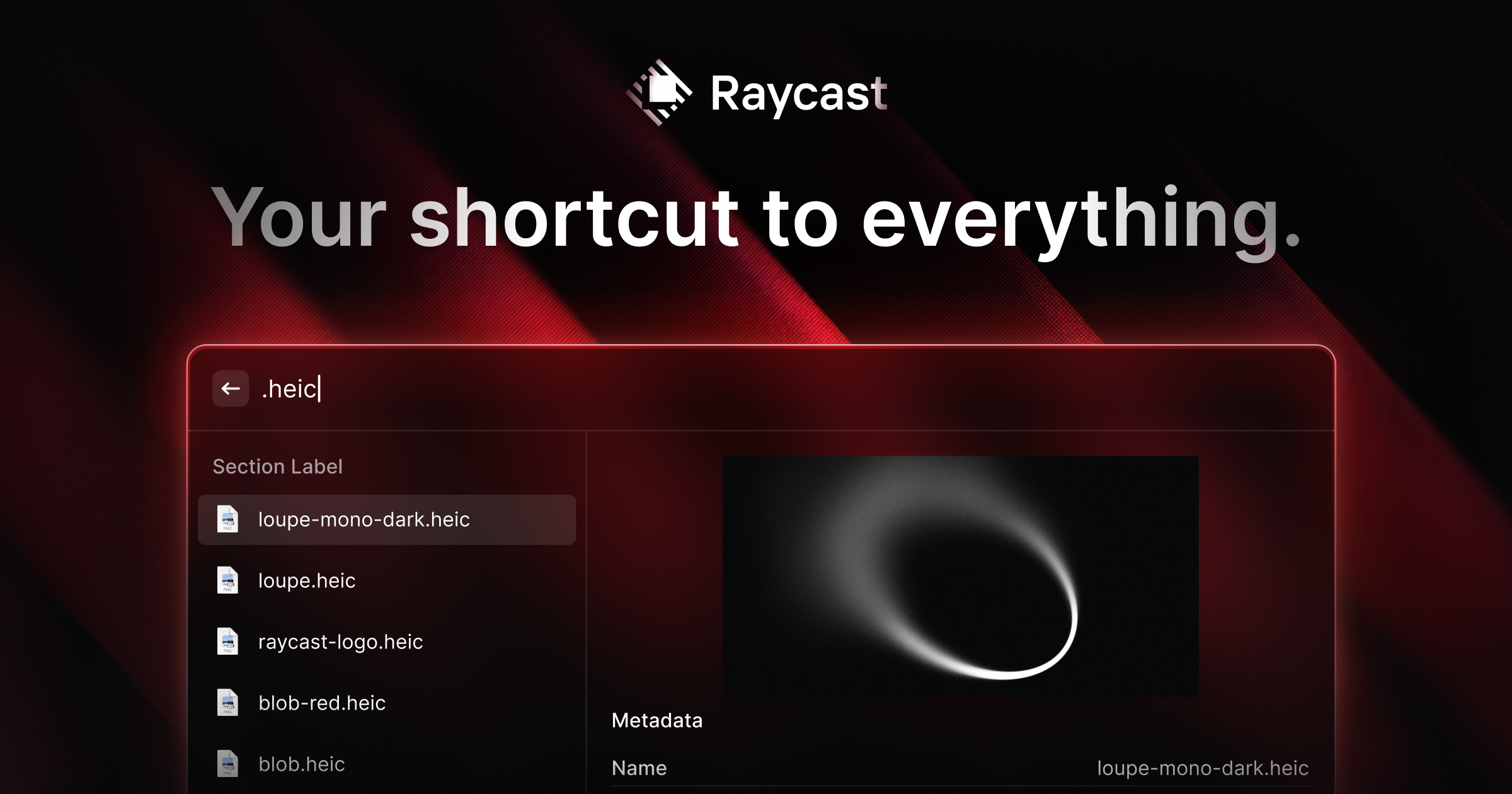
Raycast
Extendable launcher packed with productivity tools and AI
Desktop
ToolsFreemium

DoNotNotify
Private, offline notification filter and blocker for Android
WhimFilesBuy on the official site