 1 / 6
1 / 6About
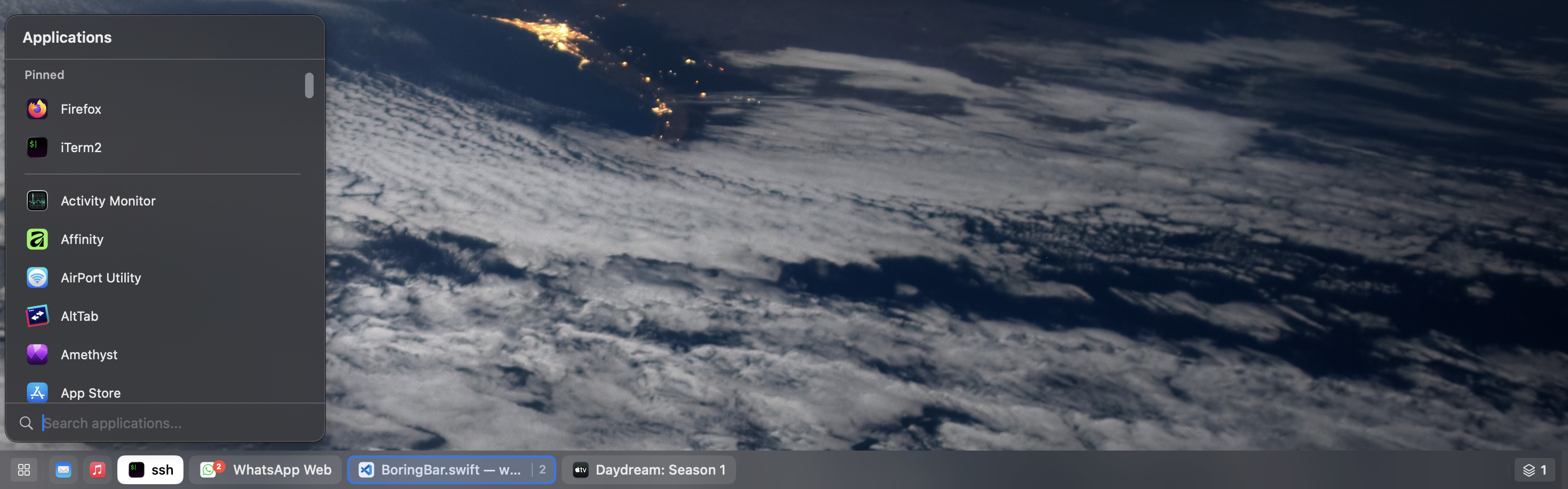
boringBar replaces the macOS Dock with a taskbar that shows your actual windows, not just your apps. Every open window gets its own chip, and the bar only shows the windows on the desktop you are looking at. It is aimed at people who switched from Windows and miss the taskbar, and at anyone who juggles several Spaces and displays and keeps losing track of where things are. The name is a promise: it is meant to be a calm, predictable tool that stays out of the way. It is made by boringBar LLC and keeps adding features as macOS evolves. On macOS 27 it now also does window snapping, keyboard tiling and an Option-Tab window switcher. The developers are open about permissions: Accessibility is used to manage windows, and Screen Recording is used only to fetch thumbnail previews, which you can confirm from the purple indicator in Control Center. Highlights: • One chip per window, showing only the current desktop on each display • Desktop switcher with window counts, plus scroll on the bar to change desktops • Live thumbnail previews when you hover a chip • Searchable app launcher with a configurable global shortcut • Notification badges and a gentle pulse when an app needs attention • Pinned apps, grouping by app, adjustable bar size and optional hiding of the Dock • Snap layouts, shared-edge resizing and keyboard snapping on macOS 27 and later • Bars on every display, even when displays do not have separate Spaces boringBar has a 14-day free trial with all features. A perpetual personal license is a one-time US$29.99 for 2 Macs with a year of updates; a yearly personal subscription starts at US$7.99 for one Mac, and business licenses are billed per user per year with volume pricing. It requires macOS 14 Sonoma or later.
Reviews
Sign in to review. Reviews carry how long you have used the product.
No reviews yet. The first one from someone actually using it is worth a lot.
Similar
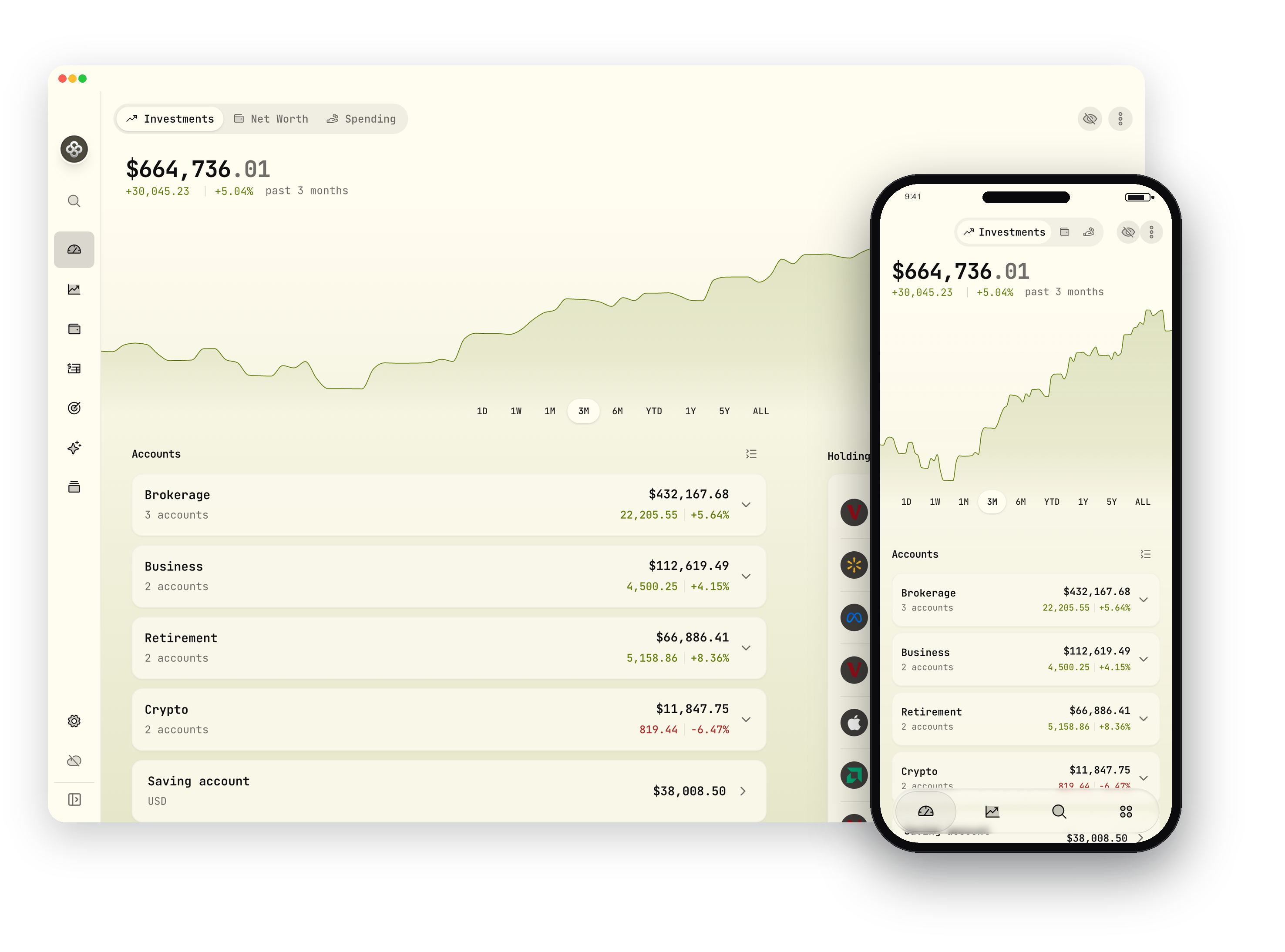
Wealthfolio
Private, open-source investment tracker and personal finance app
DesktopiOSAndroid
AppsFreemium
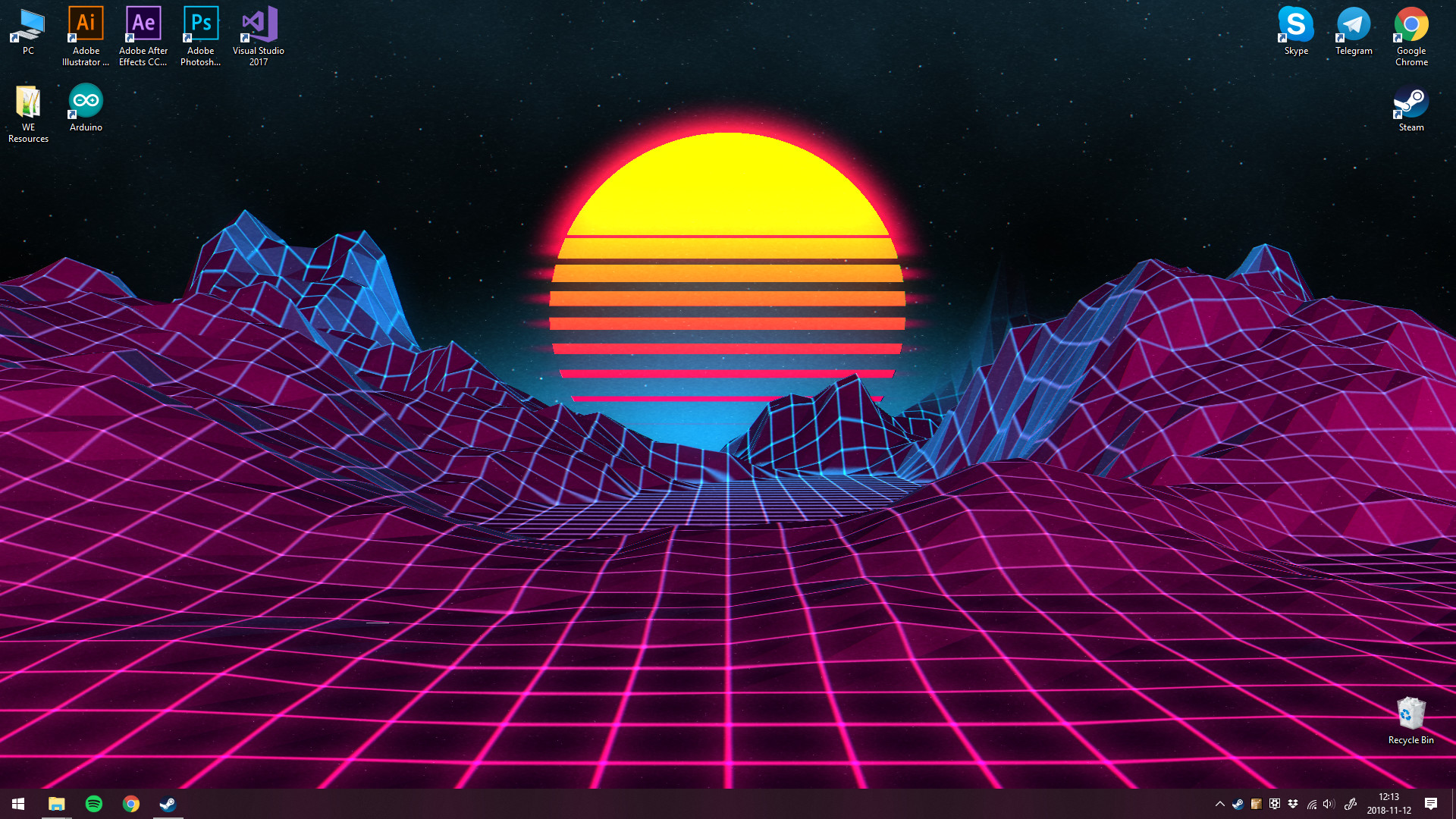
Wallpaper Engine
Animated and interactive live wallpapers for Windows
Desktop
AppsPaid
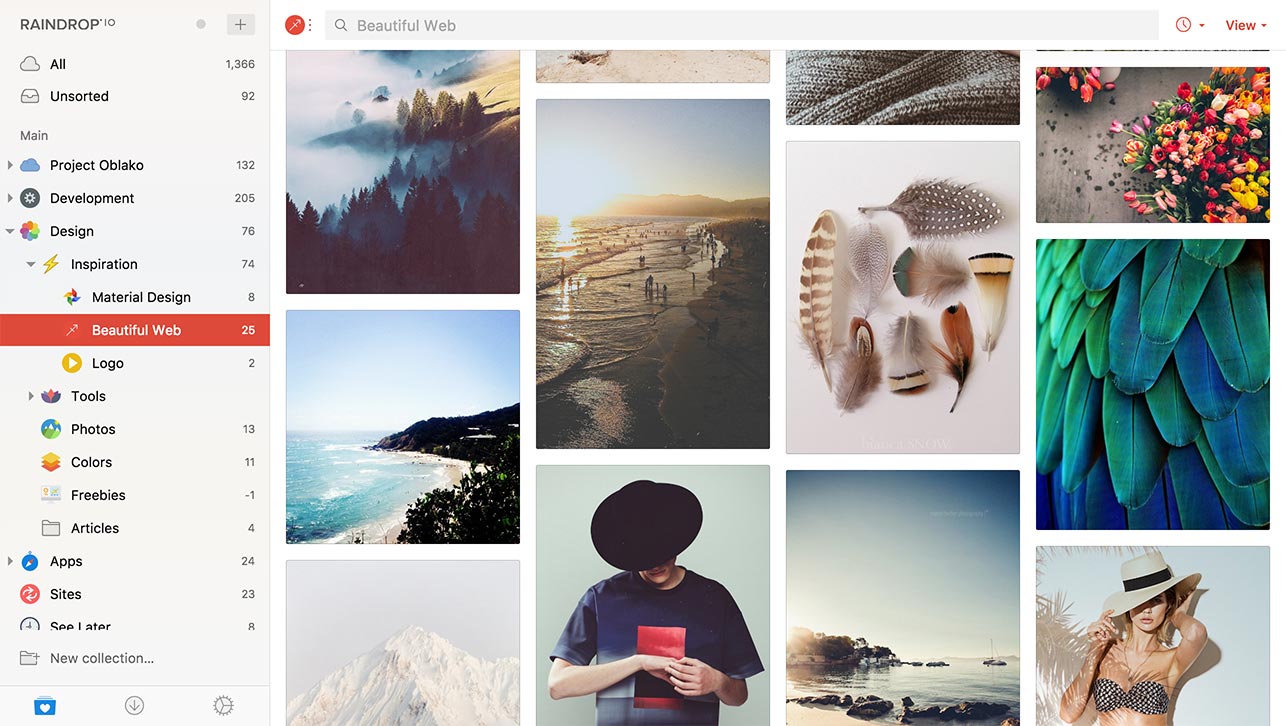
Raindrop.io
All-in-one bookmark manager for links, articles and media
WebDesktopiOS
AppsFreemium

Shottr
Tiny, fast Mac screenshot tool with annotation, OCR and measuring
Desktop
AppsFreemium

DoNotNotify
Private, offline notification filter and blocker for Android
Android
AppsOpen source
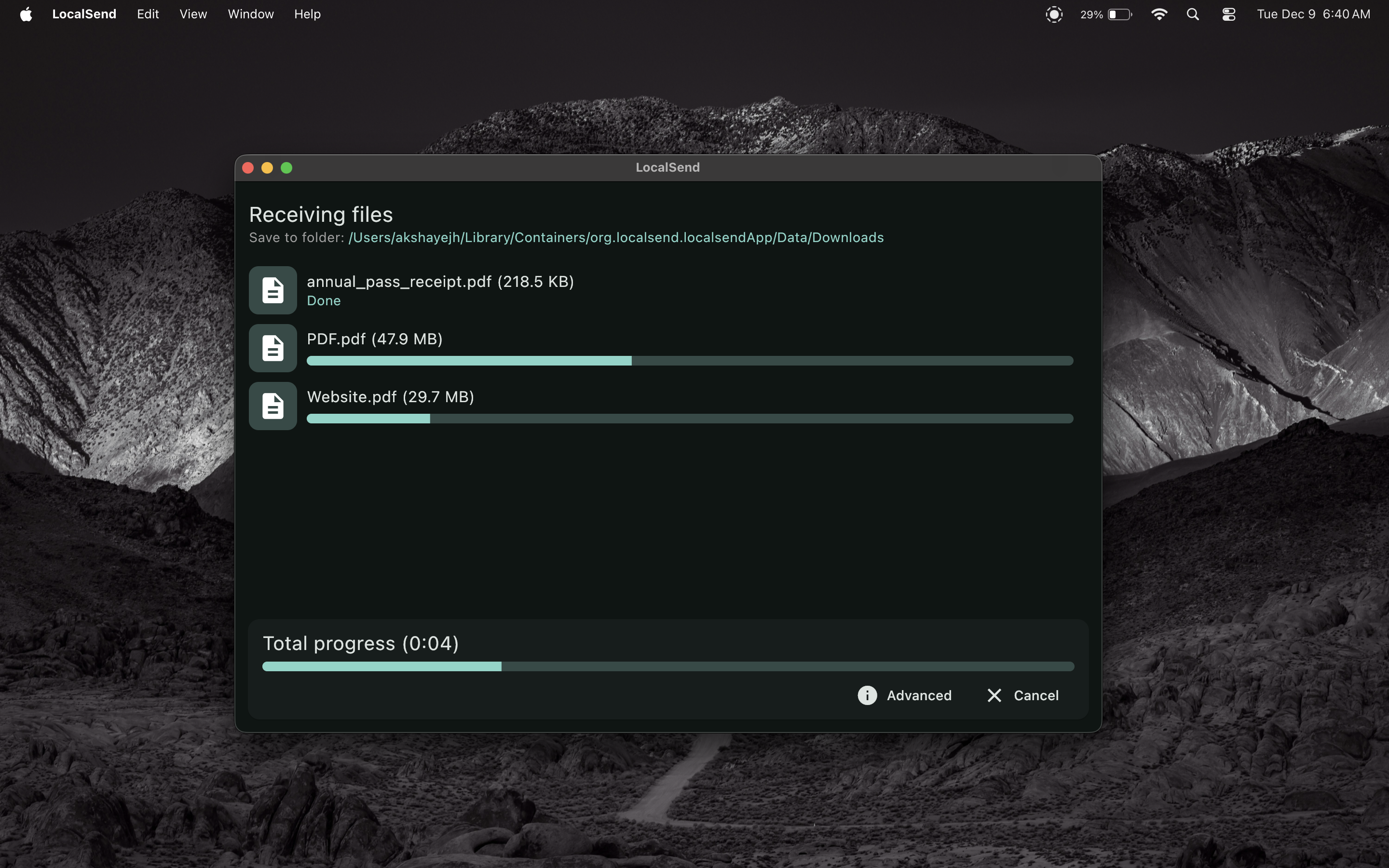
LocalSend
boringBarBuy on the official site