About
VidStudio is a collection of video tools that run entirely in your web browser. You can resize, trim, compress, convert, caption and edit videos without uploading a single byte to a server, installing an app or creating an account. It is for creators formatting clips for YouTube, TikTok and Instagram, for teams handling footage that must not leave their devices, and for anyone who just needs to shrink or cut a video quickly. What sets VidStudio apart is its local-first design. Frames are decoded with the browser's WebCodecs API for smooth, frame-accurate scrubbing, and final encoding is done by FFmpeg compiled to WebAssembly, so the processing happens on your own machine. That makes it a practical choice for client work, classroom recordings or internal videos with privacy requirements. It launched in 2026 as an independent project, was shared on Hacker News, and positions itself as a privacy-friendly alternative to CapCut and Descript. Highlights: • Resize and letterbox or crop for YouTube, Shorts, TikTok, Reels and more • Trim and cut clips frame by frame • Compress to a target file size or with quality presets • Multi-track video editor, plus a text-based editor that edits video through its transcript • Auto-captions with in-browser speech transcription, subtitle burn-in and SRT export • Audio extraction, conversion, mixing and effects • Watermarks, text overlays, thumbnails, storyboards and sprite sheets • Batch conversion to consistent MP4 output VidStudio is free to use with no signup, no upload and no watermark. It works in a modern web browser on any device, and projects are kept in your browser's own storage.
Reviews
Sign in to review. Reviews carry how long you have used the product.
No reviews yet. The first one from someone actually using it is worth a lot.
Similar

Excalidraw
Open-source virtual whiteboard with a hand-drawn look
Web
AppsFreemium
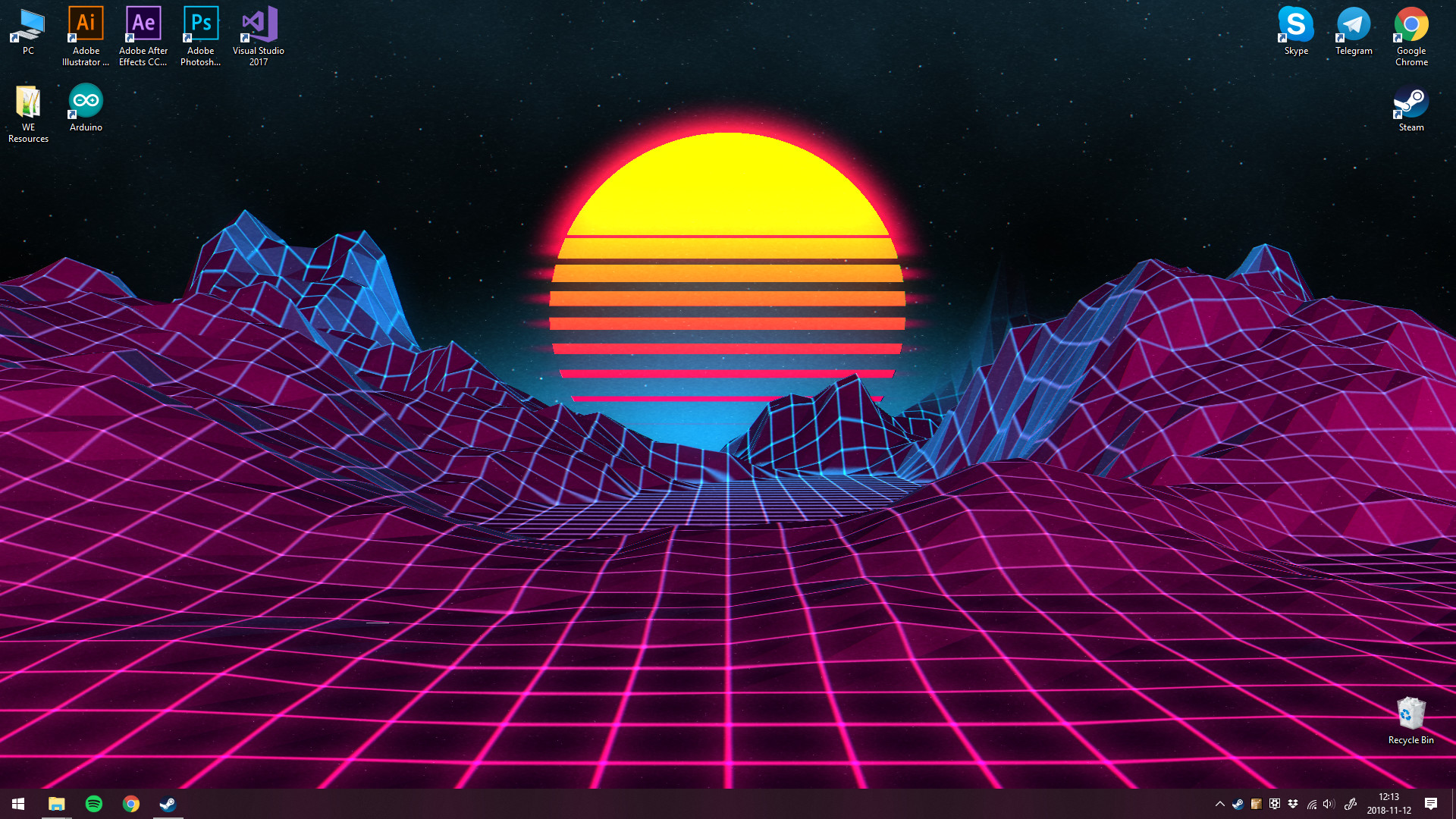
Wallpaper Engine
Animated and interactive live wallpapers for Windows
Desktop
AppsPaid
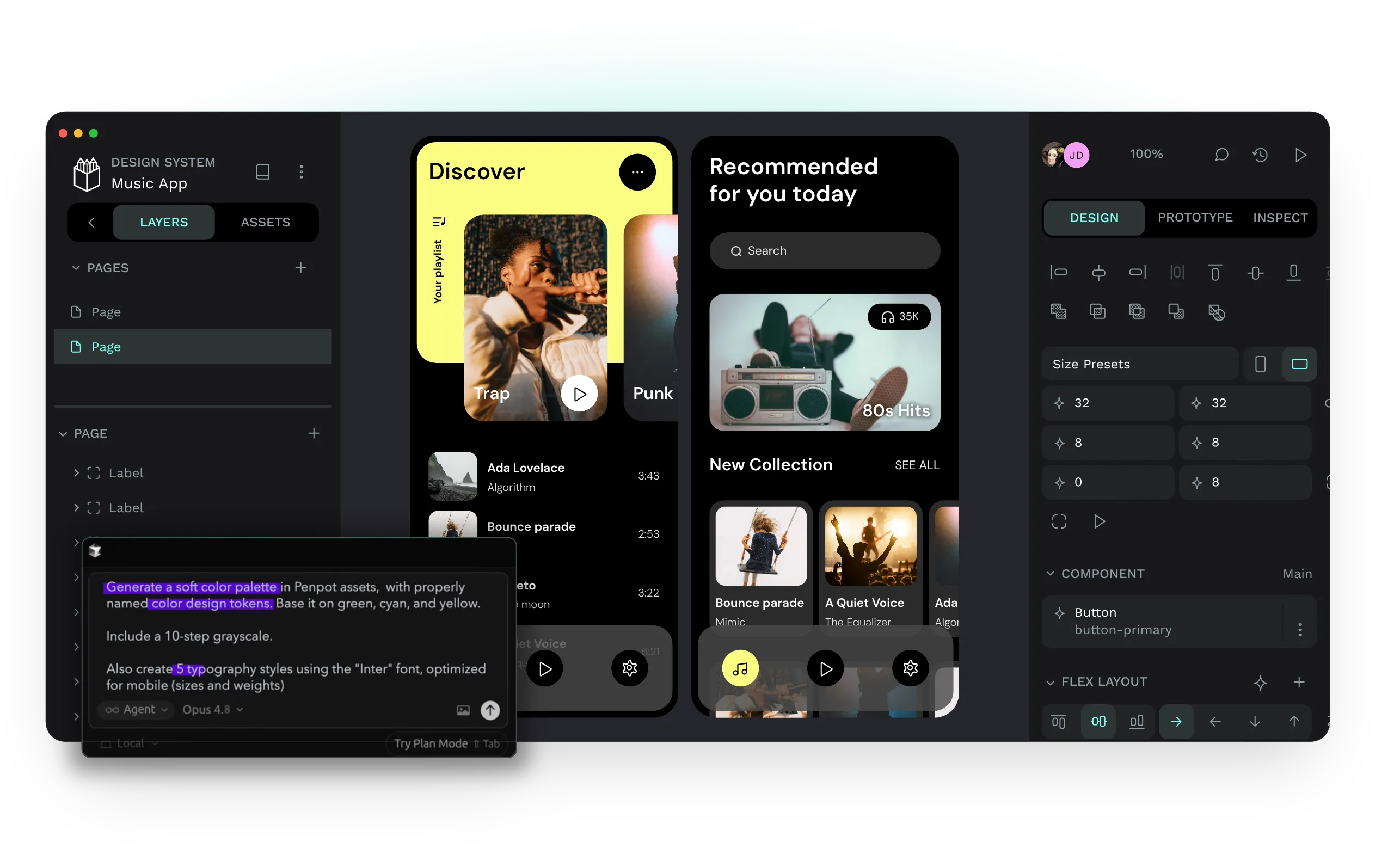
Penpot
Open-source design and prototyping platform for product teams
Web
AppsFreemium
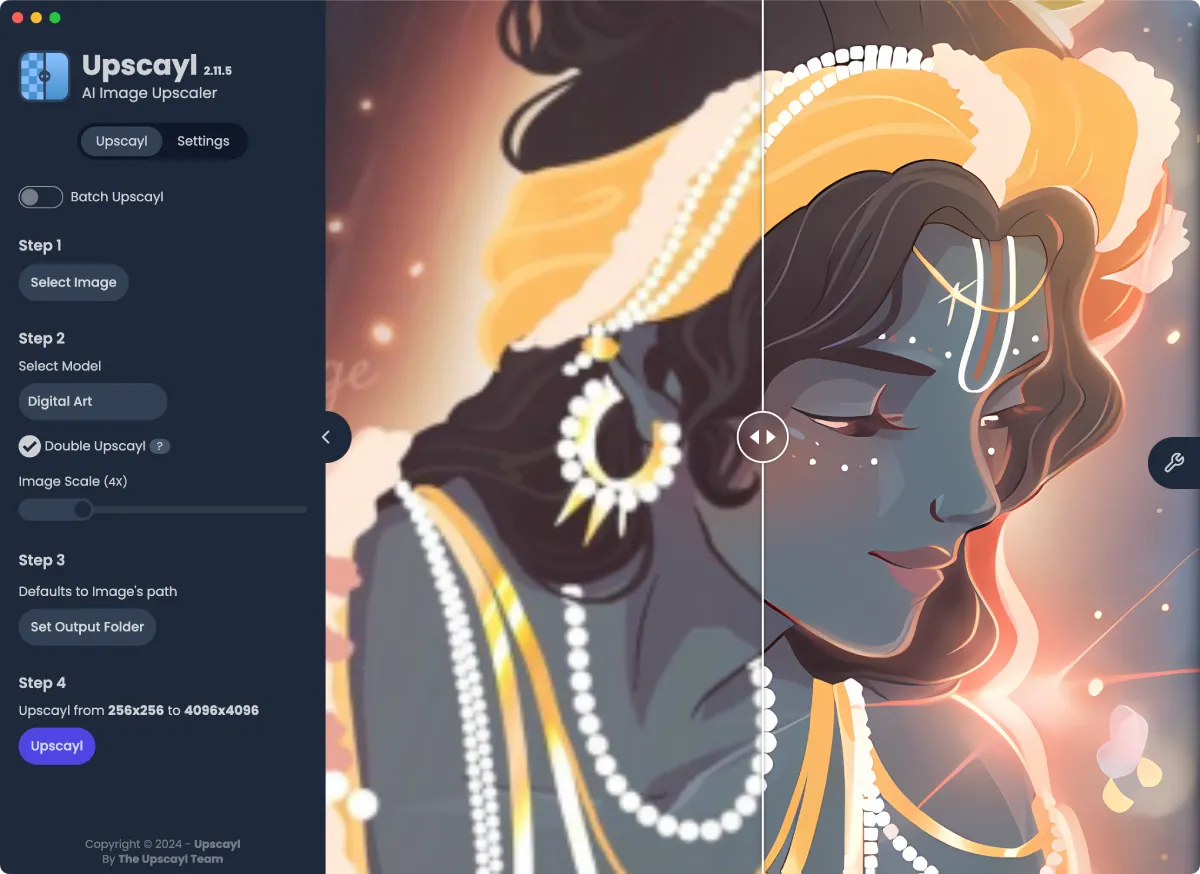
Upscayl
Free, open source AI image upscaler for your desktop
Desktop
AppsOpen source
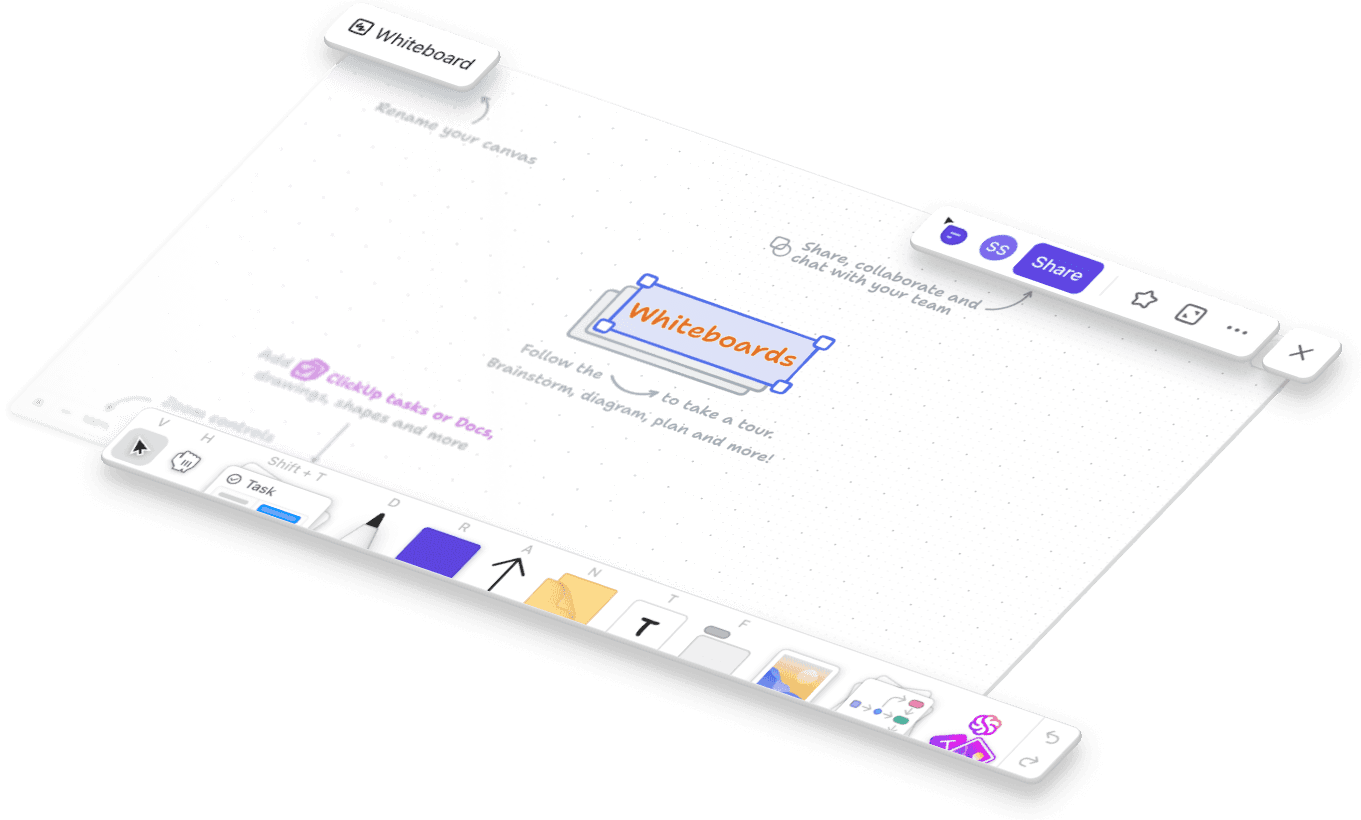
tldraw
Free, instant collaborative whiteboard that runs in your browser
Web
AppsFree
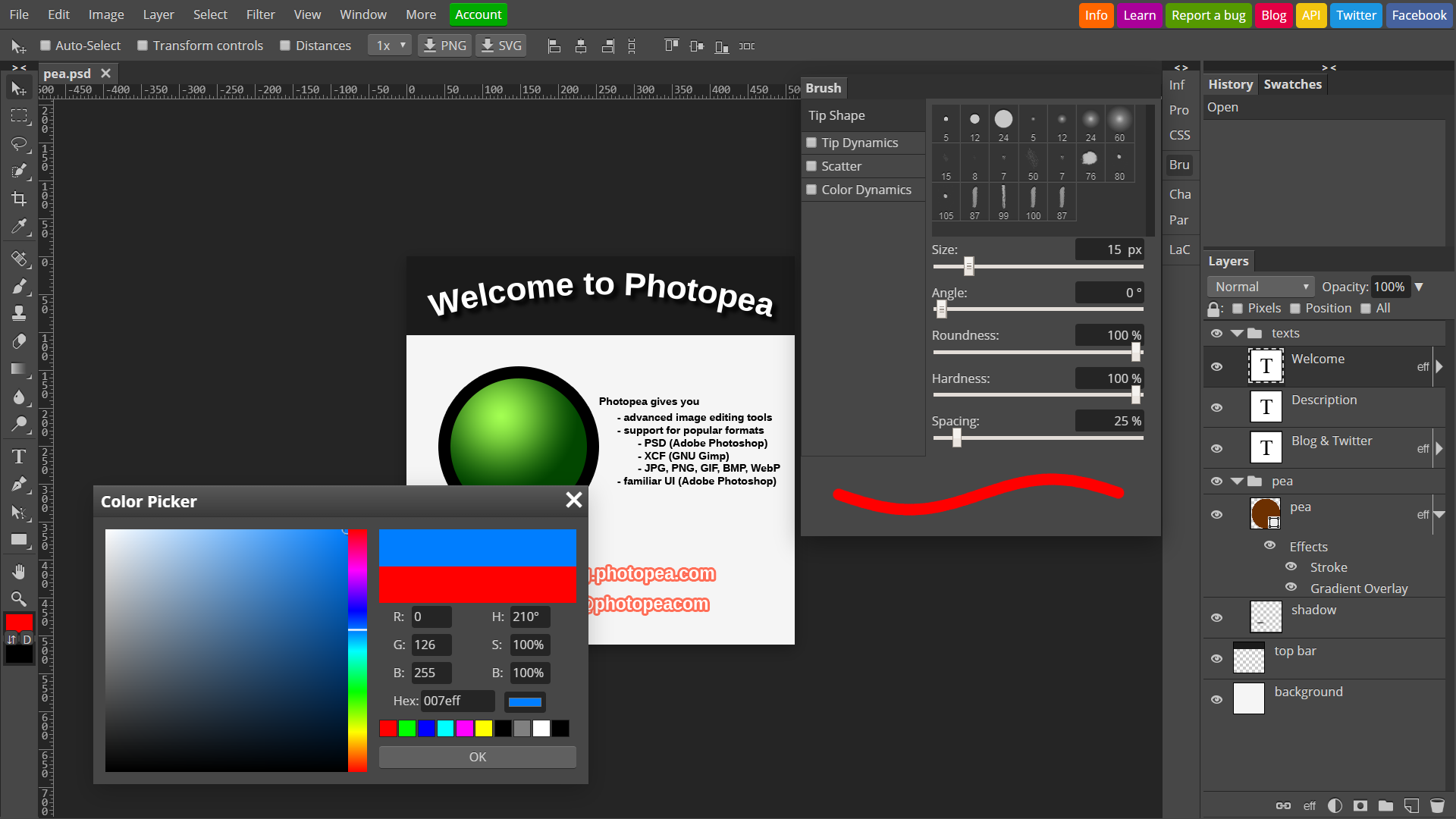
Photopea
Free browser-based photo editor with full PSD support
VidStudioOpen