 1 / 4
1 / 4About
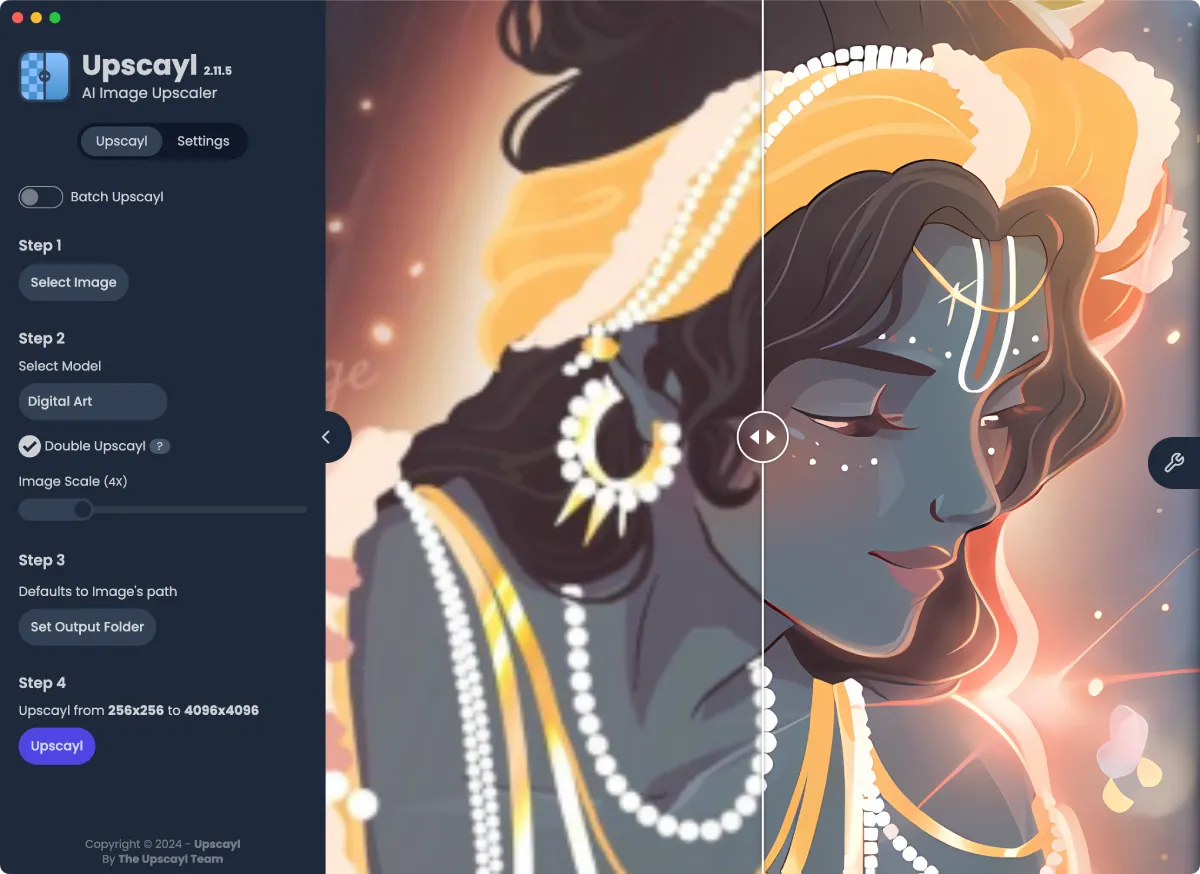
Upscayl is a free desktop app that enlarges and sharpens low-resolution images using AI. It is for photographers rescuing old or blurry shots, digital artists preparing work for print, designers who need bigger assets, and anyone with a pixelated picture they love but cannot use. You pick an image, choose a model and a scale, and Upscayl rebuilds detail instead of just stretching pixels, all on your own computer. Upscayl started in 2022 as an open source project by Nayam Amarshe and TGS963 and quickly became one of the most popular AI tools on GitHub, with more than 50,000 stars. People like it because it is simple, private and genuinely free: processing happens locally on your graphics card, so your photos never leave your machine. It builds on Real-ESRGAN-based models through Vulkan, ships several models tuned for photos and digital art, and lets advanced users add their own. The team has since launched Upscayl Cloud, a paid online service for people who want larger outputs or do not have a suitable GPU. Highlights: • AI upscaling of photos and artwork with several built-in models • Batch mode for upscaling whole folders at once • Double Upscayl, which runs an image through the model twice for extra size • Support for custom models from the community • Choice of output format, scale and compression • Runs locally on your GPU, so images stay on your computer • Optional Upscayl Cloud for upscaling up to 256 megapixels, AI face enhancement and editing The desktop app is free and open source under the AGPL-3.0 license. Upscayl Cloud is a separate paid service, with a free trial of 10 credits and a Pro plan from US$24.99 per month for 300 credits. The desktop app runs on Windows 10 and later, macOS 12 and later, and Linux, and needs a Vulkan-compatible GPU.
Reviews
Sign in to review. Reviews carry how long you have used the product.
No reviews yet. The first one from someone actually using it is worth a lot.
Similar

Excalidraw
Open-source virtual whiteboard with a hand-drawn look
Web
AppsFreemium
Penpot
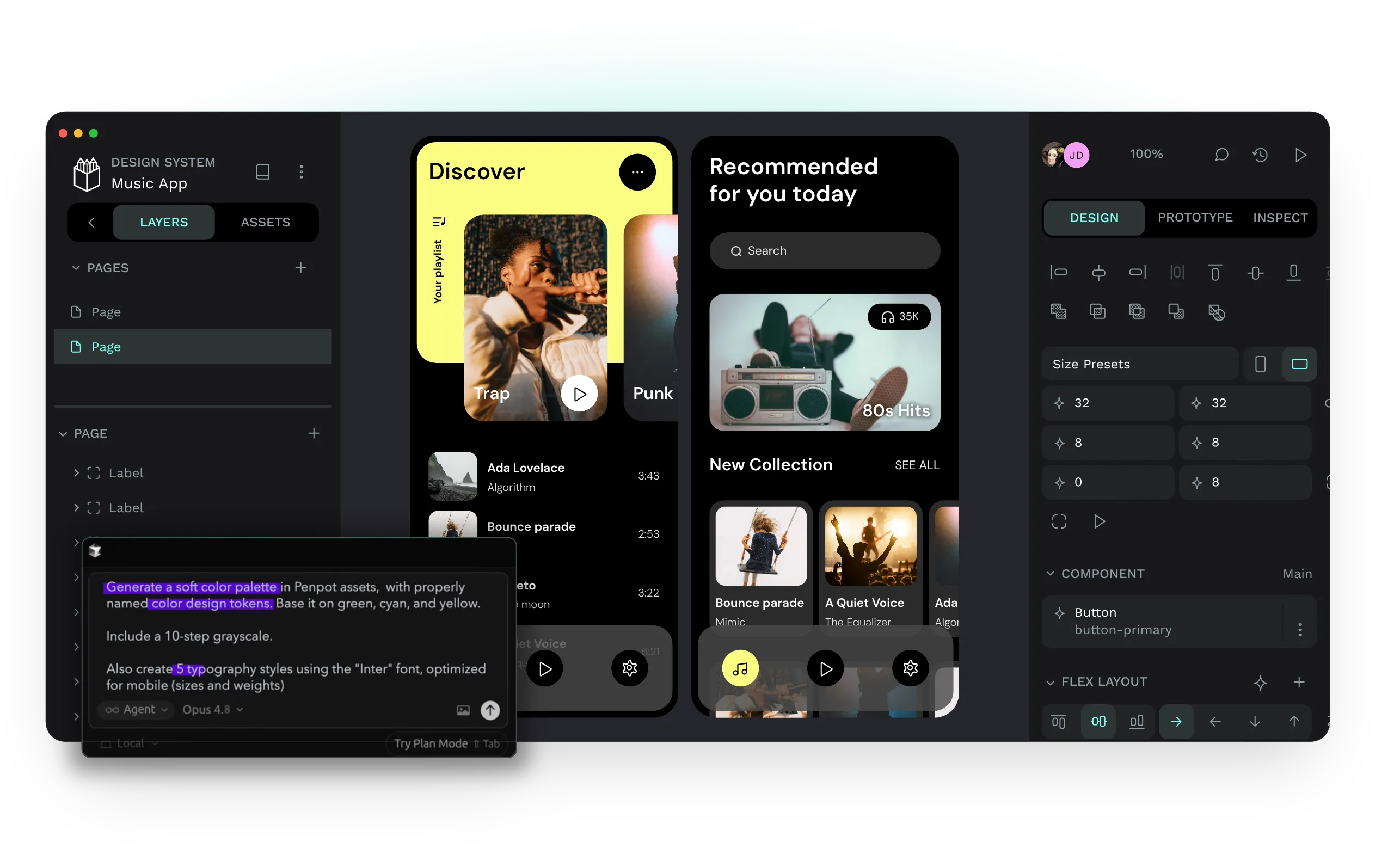
Open-source design and prototyping platform for product teams
Web
AppsFreemium
tldraw
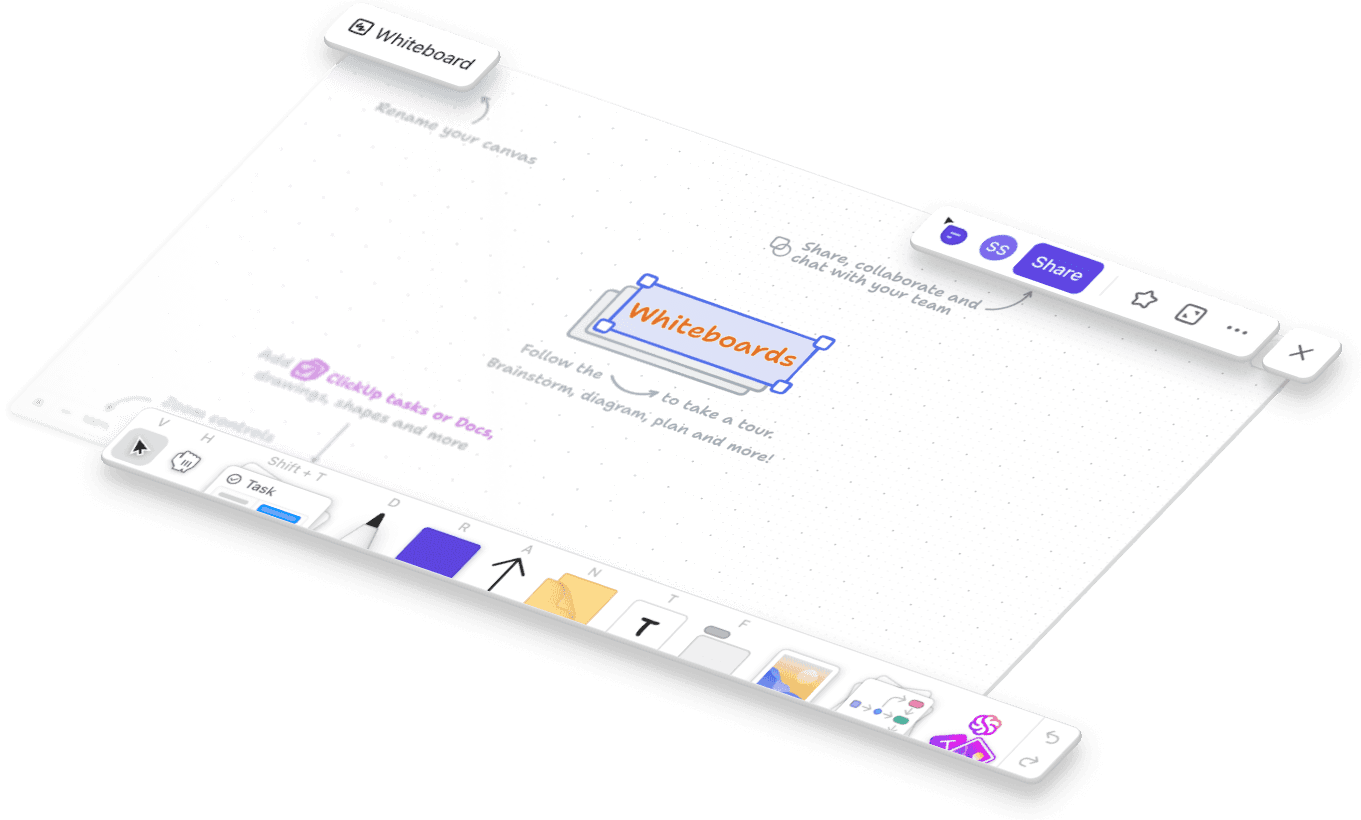
Free, instant collaborative whiteboard that runs in your browser
Web
AppsFree
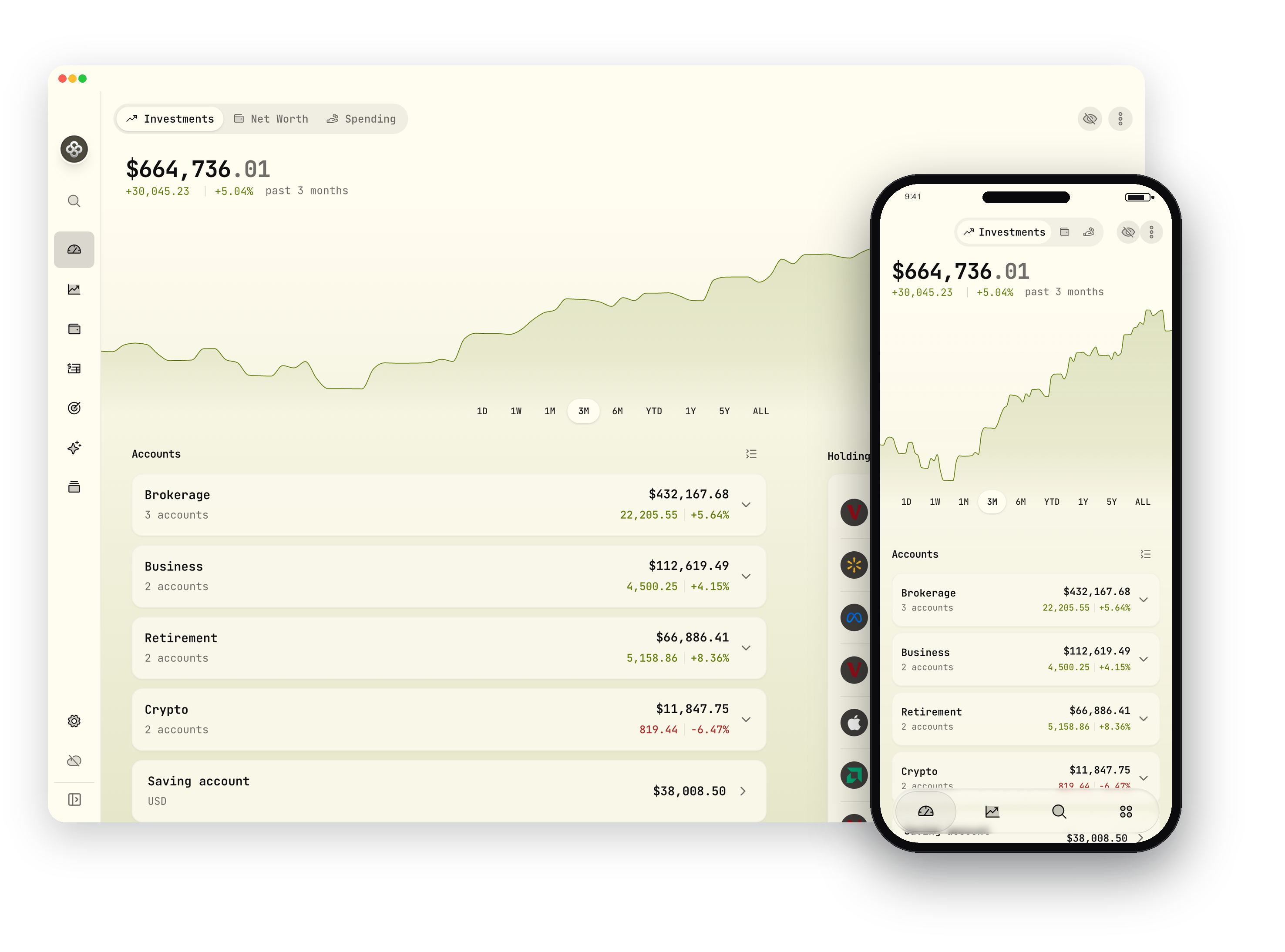
Wealthfolio
Private, open-source investment tracker and personal finance app
DesktopiOSAndroid
AppsFreemium
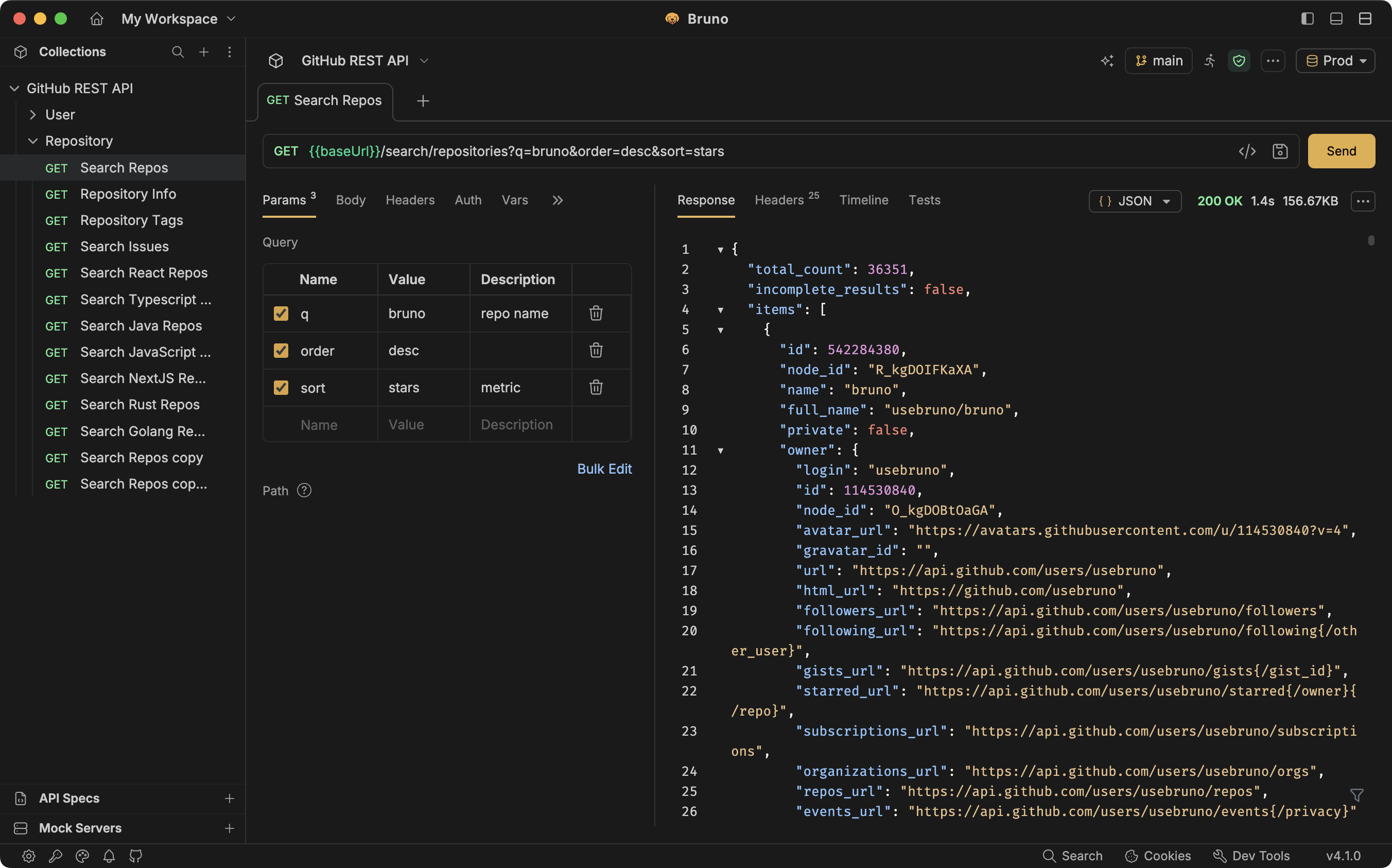
Bruno
Git-native, offline-first open source API client
Desktop
AppsFreemium

BeepBox
Free online tool for sketching and sharing chiptune-style music
UpscaylOpen