About
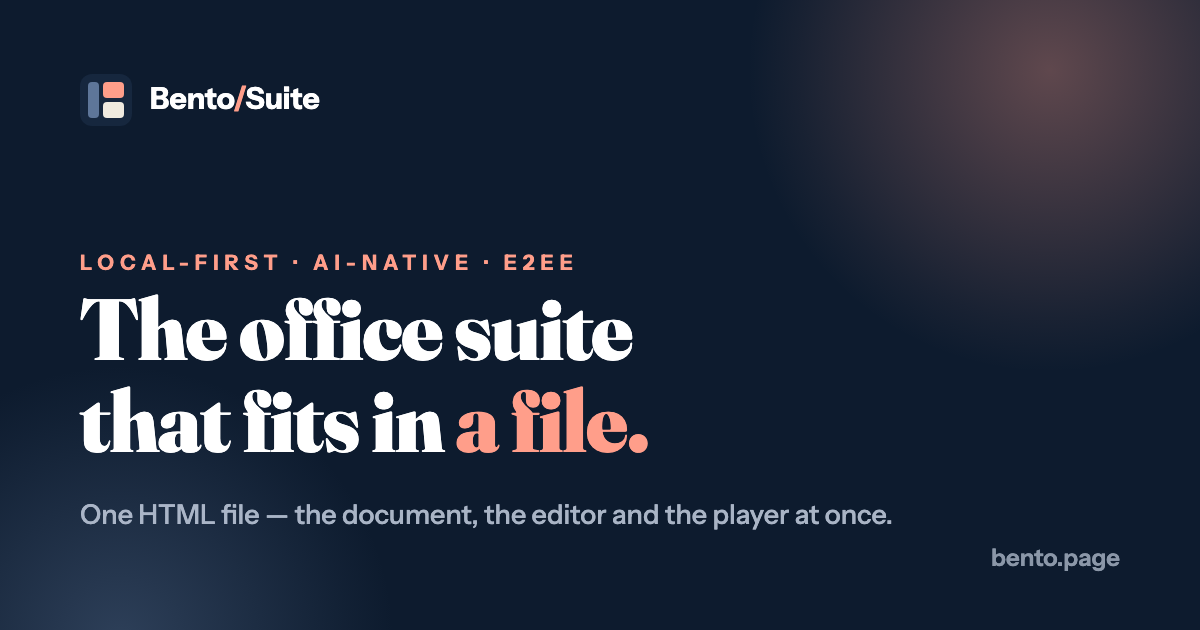
Bento is a local-first office suite built on a simple, slightly radical idea: the document, the editor and the player are the same file. A Bento deck is an ordinary HTML file that carries its own viewer, presenter and editor, with your content stored as readable JSON at the top. You open it in any modern browser, edit it, present it and send it, and the person you send it to needs nothing installed. It is for anyone who is tired of renting their documents from a cloud service, and for people who want to build presentations together with AI assistants. The first app, Bento Slides, is available now; spaces (notes) and dash (sheets and tables) are announced as coming next. What sets it apart is how much it fits into one roughly 700 KB file: real animation, live charts, video and audio, embedded fonts, and end-to-end-encrypted live collaboration. The project is open source under the MIT license and is developed in the open on GitHub, where it gathered thousands of stars within months of its 2026 launch. It is also designed to be edited by AI agents: the format is documented in a public agents.md guide, and there is an installable skill for Claude and other assistants. Highlights: • One self-contained .bento.html file holds the deck, fonts, images, charts and the full editor • Morph transitions animate elements that share an id between slides • Built-in charts (bar, line, pie, scatter) that stay live while you present • End-to-end-encrypted live collaboration (AES-GCM) with a CRDT engine and a blind relay • Read-only copies enforced by cryptographic signatures rather than server permissions • Offline mode that hard-blocks updates and collaboration, with no telemetry • Plain JSON document format that AI assistants and coding agents can edit directly Bento is free, needs no account, and is open source under the MIT license. Because it is a single HTML file, it runs in any modern browser on Windows, macOS, Linux, ChromeOS and beyond, and you can try it online or download the file.
Reviews
Sign in to review. Reviews carry how long you have used the product.
No reviews yet. The first one from someone actually using it is worth a lot.
Similar
Micasa
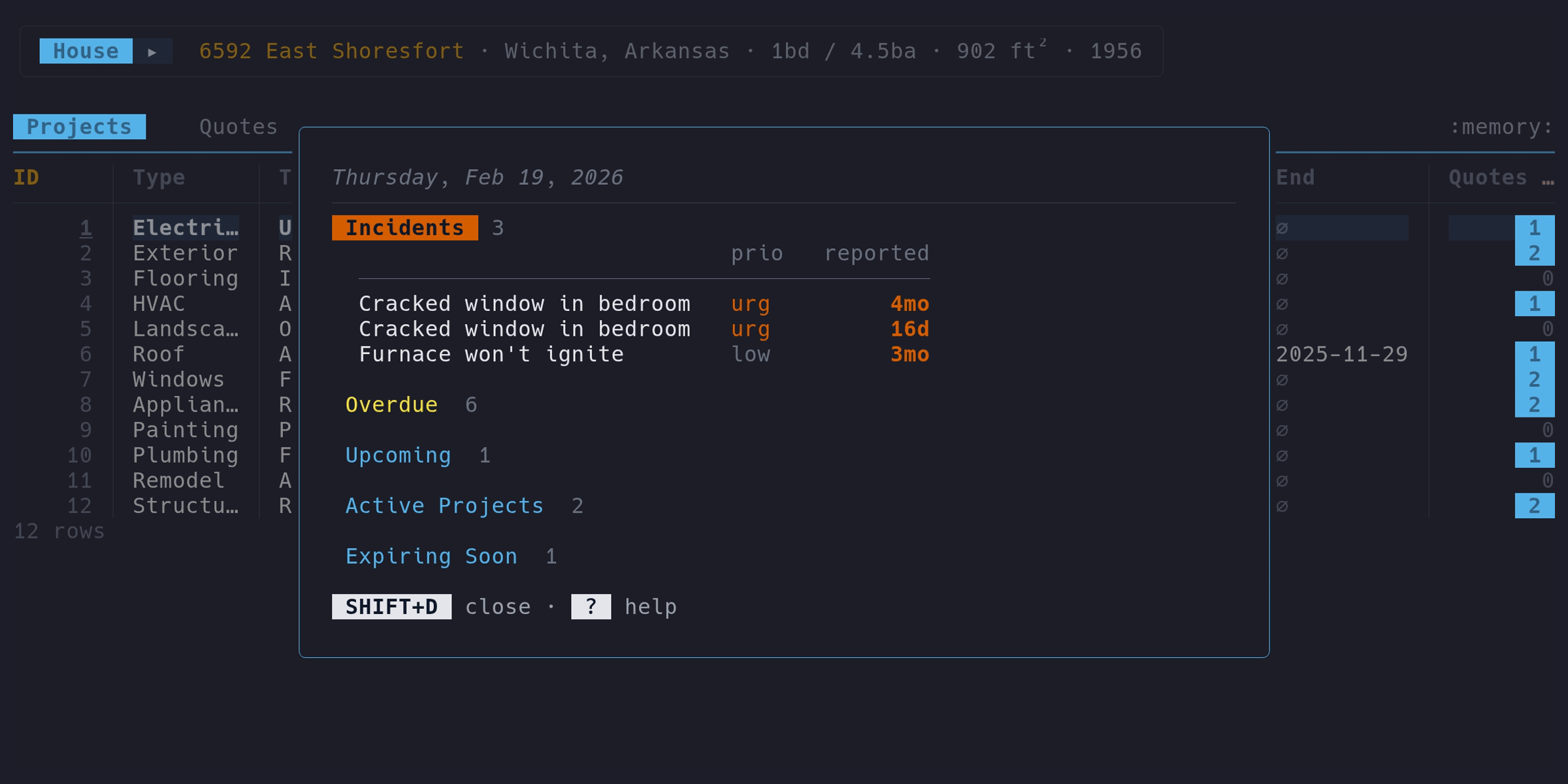
Keyboard-driven terminal app for tracking home maintenance
Desktop
ToolsOpen source
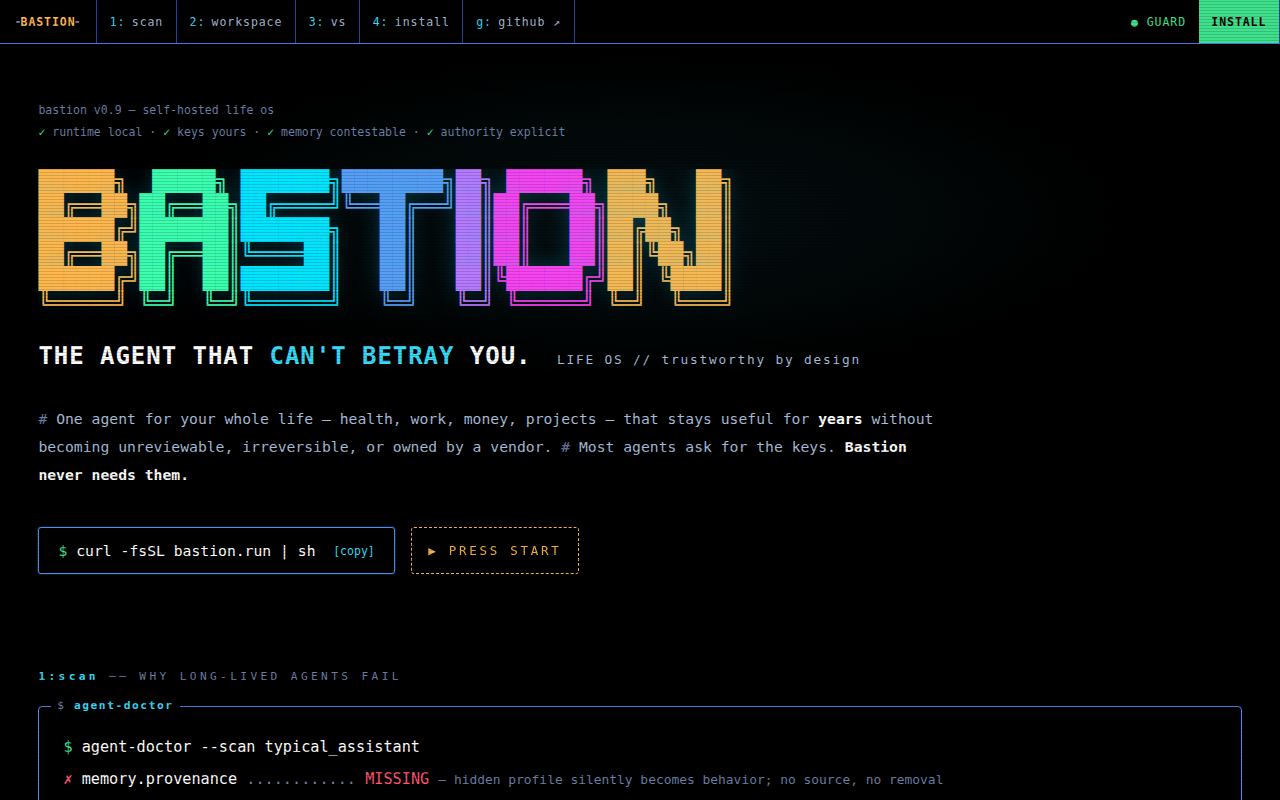
Bastion
The agent that can't betray you
Desktop
ToolsOpen source
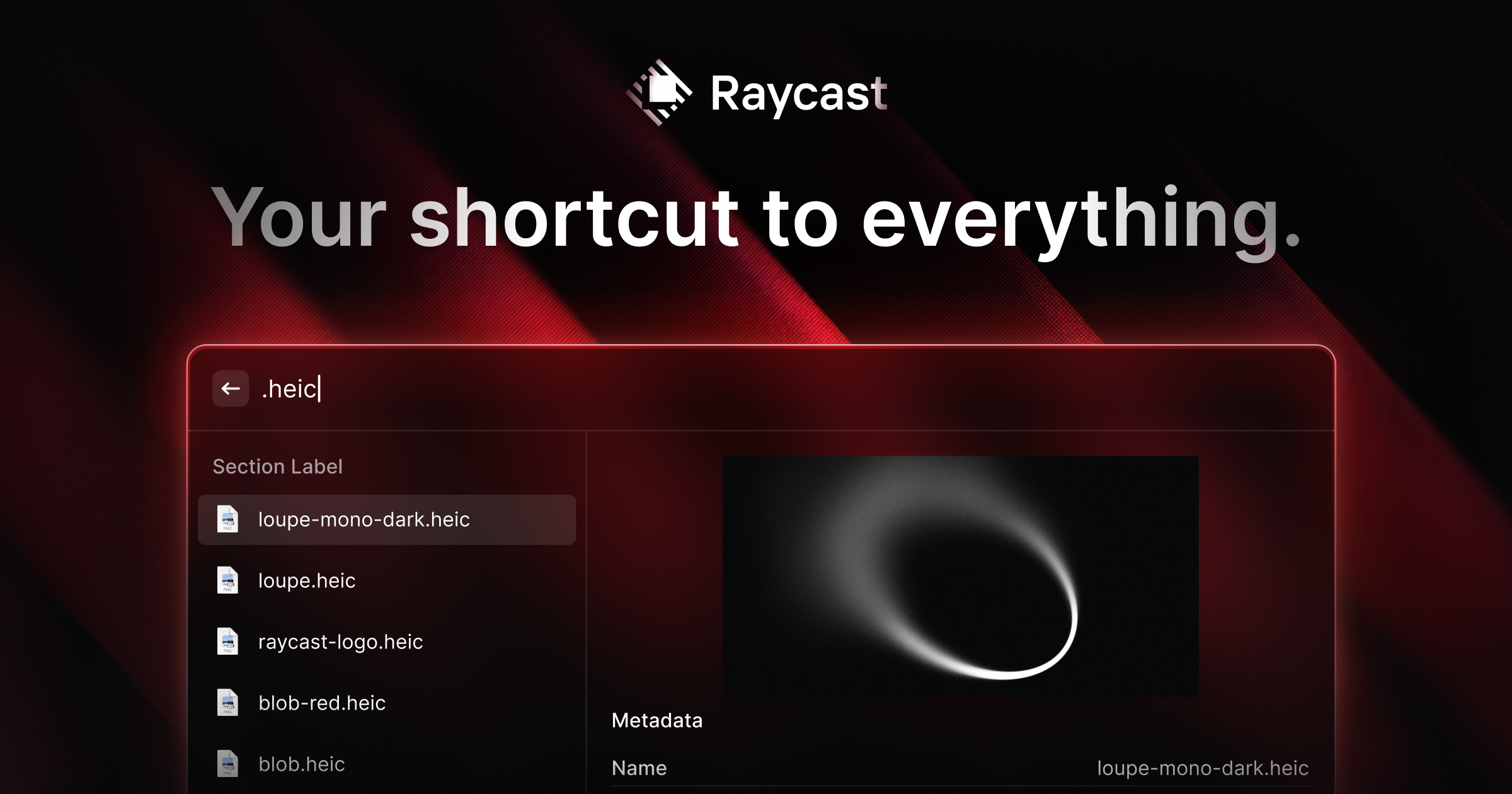
Raycast
Extendable launcher packed with productivity tools and AI
Desktop
ToolsFreemium
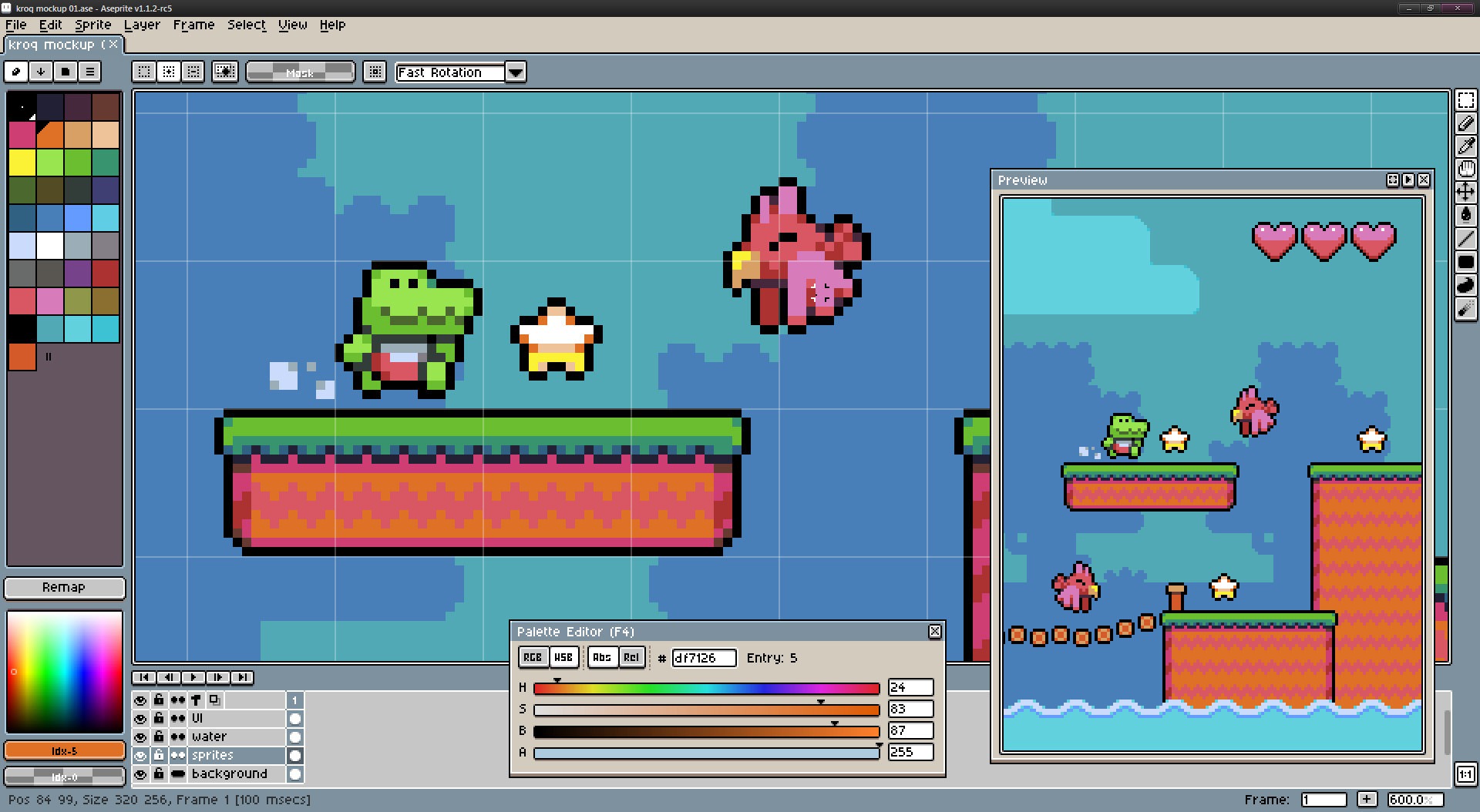
Aseprite
Animated sprite editor and pixel art tool for game artists
Desktop
ToolsPaid
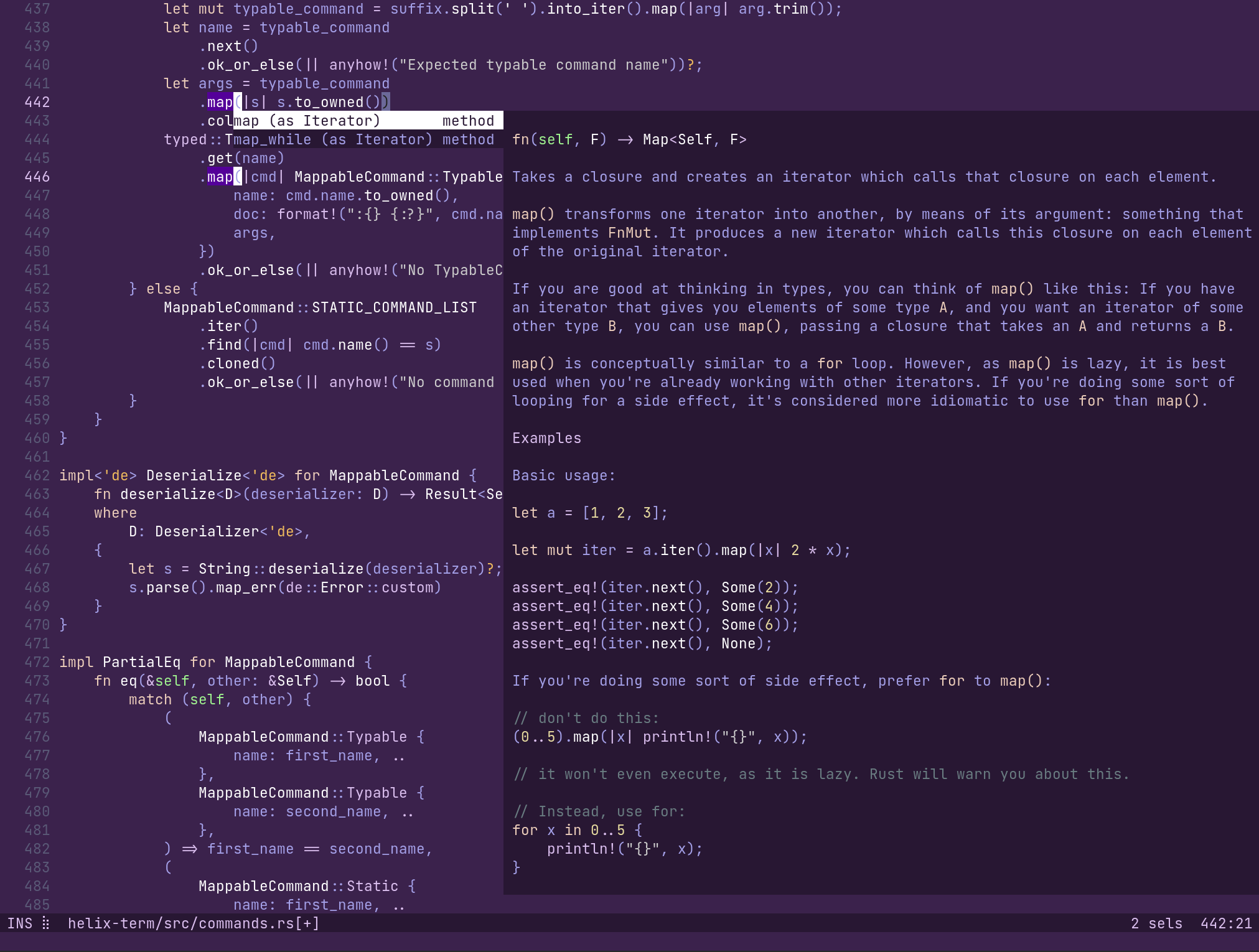
Helix
Post-modern modal text editor for the terminal, written in Rust
Desktop
ToolsOpen source
Ghost Pepper
Private, on-device dictation and meeting transcription for the Mac
BentoOpen