 1 / 6
1 / 6About
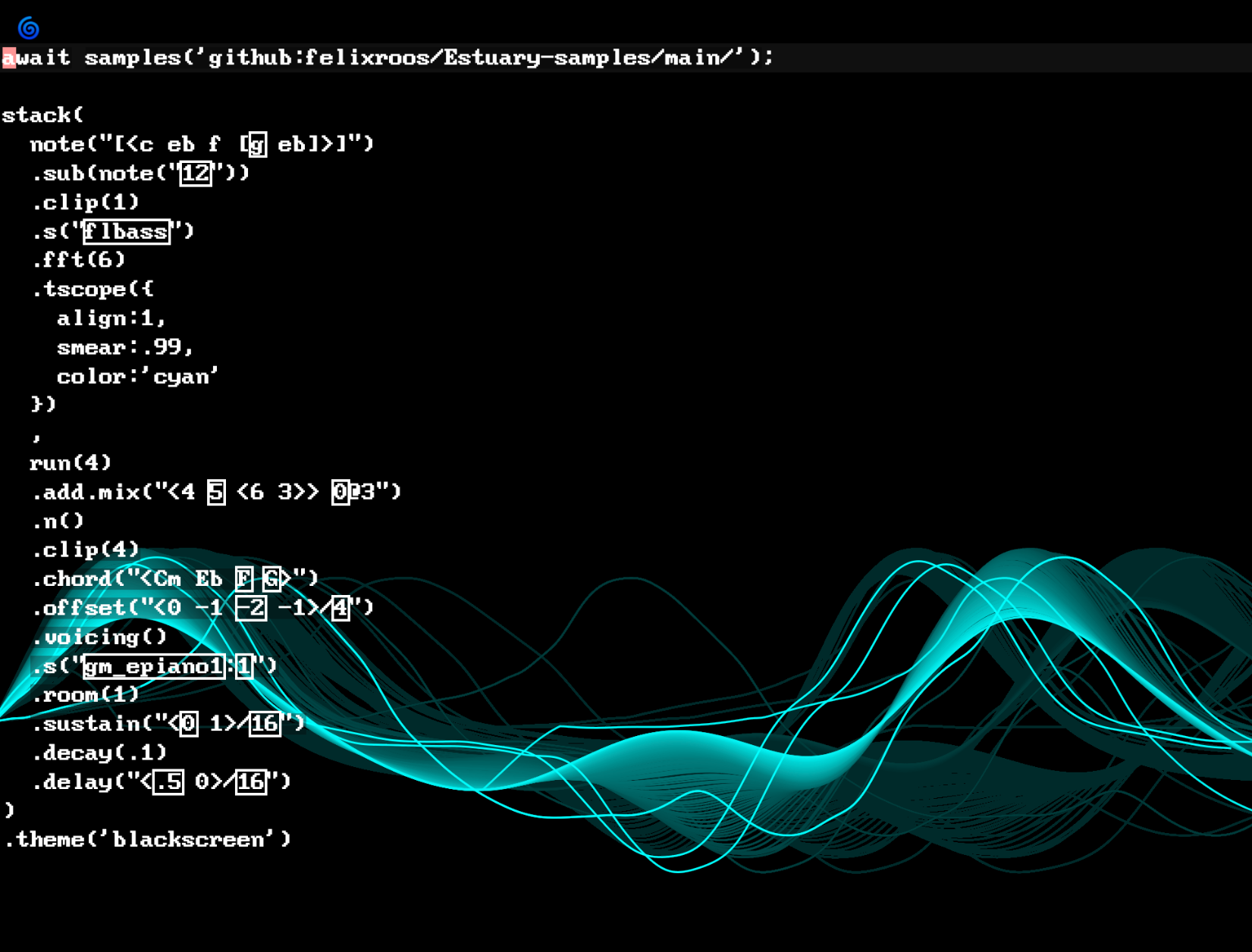
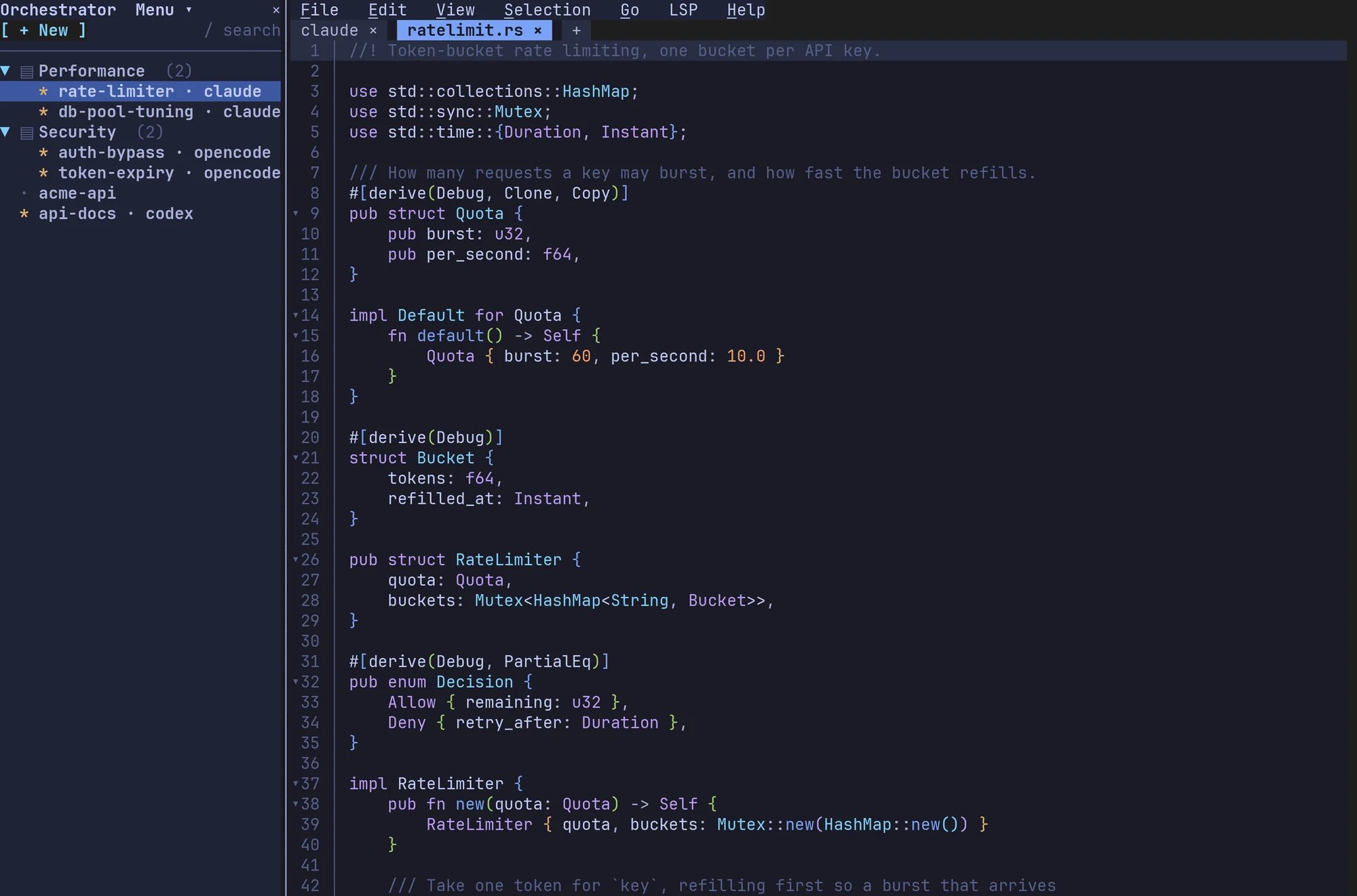
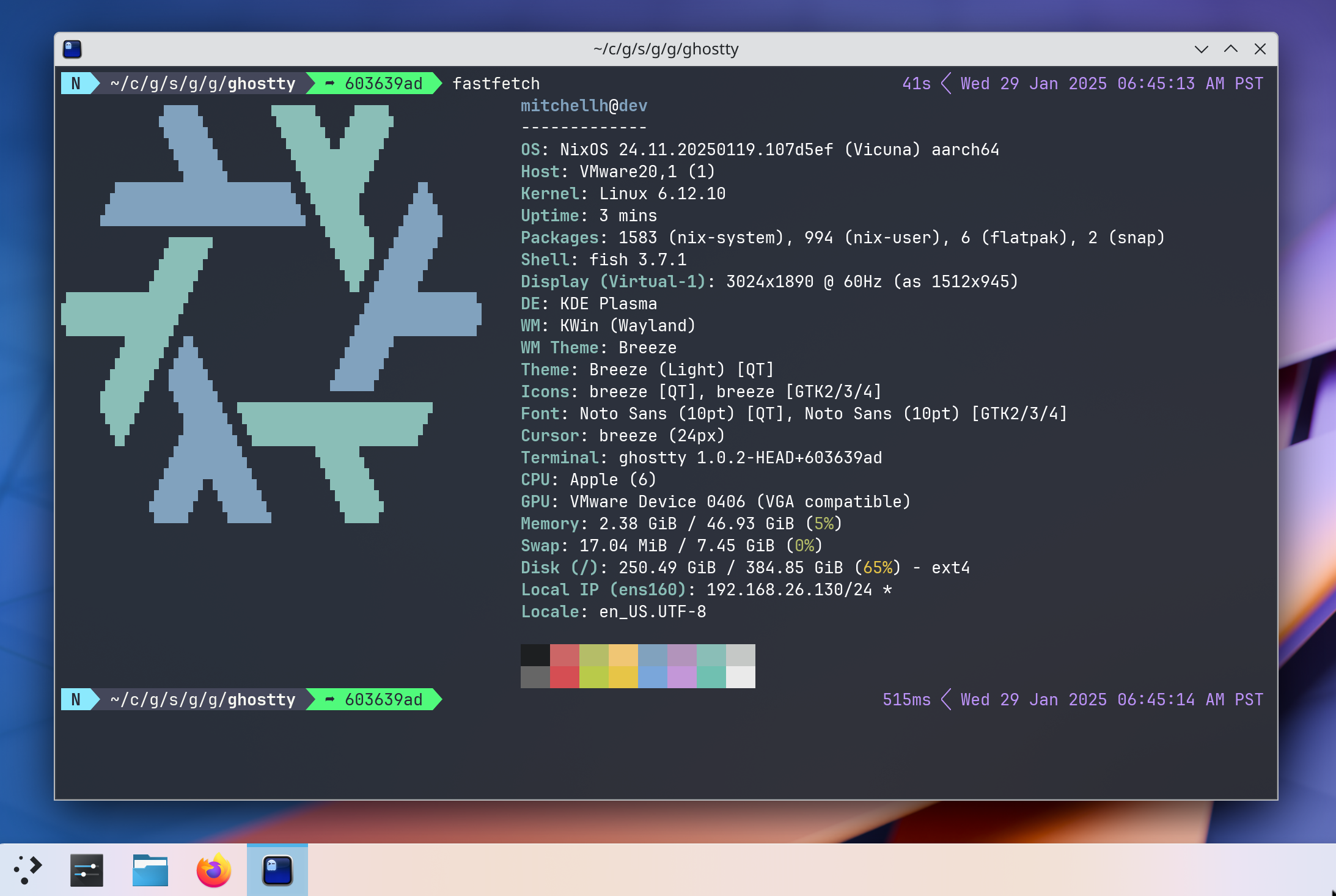
Ghostty is a terminal emulator for developers who refuse to choose between speed, features and a native feel. It runs on macOS and Linux, starts with zero configuration, and still offers hundreds of options for people who like to tune their tools. If you live in the command line with Neovim, tmux or a pile of shell scripts, Ghostty aims to be the terminal you stop thinking about. Ghostty was started by Mitchell Hashimoto, co-founder of HashiCorp, as a passion project, and it grew into one of the most talked-about open-source terminals. Its approach is unusual: a shared core written in Zig, called libghostty, with a real native interface on each platform, written in Swift with AppKit and SwiftUI on macOS and in GTK4 on Linux. That means native tabs, splits and windows instead of custom-drawn imitations. libghostty is also offered as a library so other apps can embed a terminal. Highlights: • GPU-accelerated rendering with Metal on macOS and OpenGL on Linux • Native windows, tabs and splits on each platform • Hundreds of built-in themes, with automatic light and dark switching • Font ligatures and correct rendering of multi-codepoint emoji • Kitty graphics and keyboard protocols, synchronized rendering and hyperlinks • Quick Terminal that drops down from the menu bar on macOS • AppleScript automation, Quick Look and other macOS-native integrations • Shell integration, a command palette and in-terminal search Ghostty is free and open source under the MIT license, with no paid tier; you can support the project financially if you wish. The macOS download is a universal binary for Apple Silicon and Intel and requires macOS 13 Ventura or later. Linux users can install it from distribution packages or build it from source. Windows support is planned but not available yet.
Reviews
Sign in to review. Reviews carry how long you have used the product.
No reviews yet. The first one from someone actually using it is worth a lot.
Similar
GhosttyOpen