 1 / 5
1 / 5About
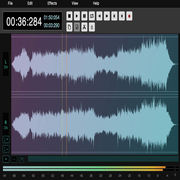
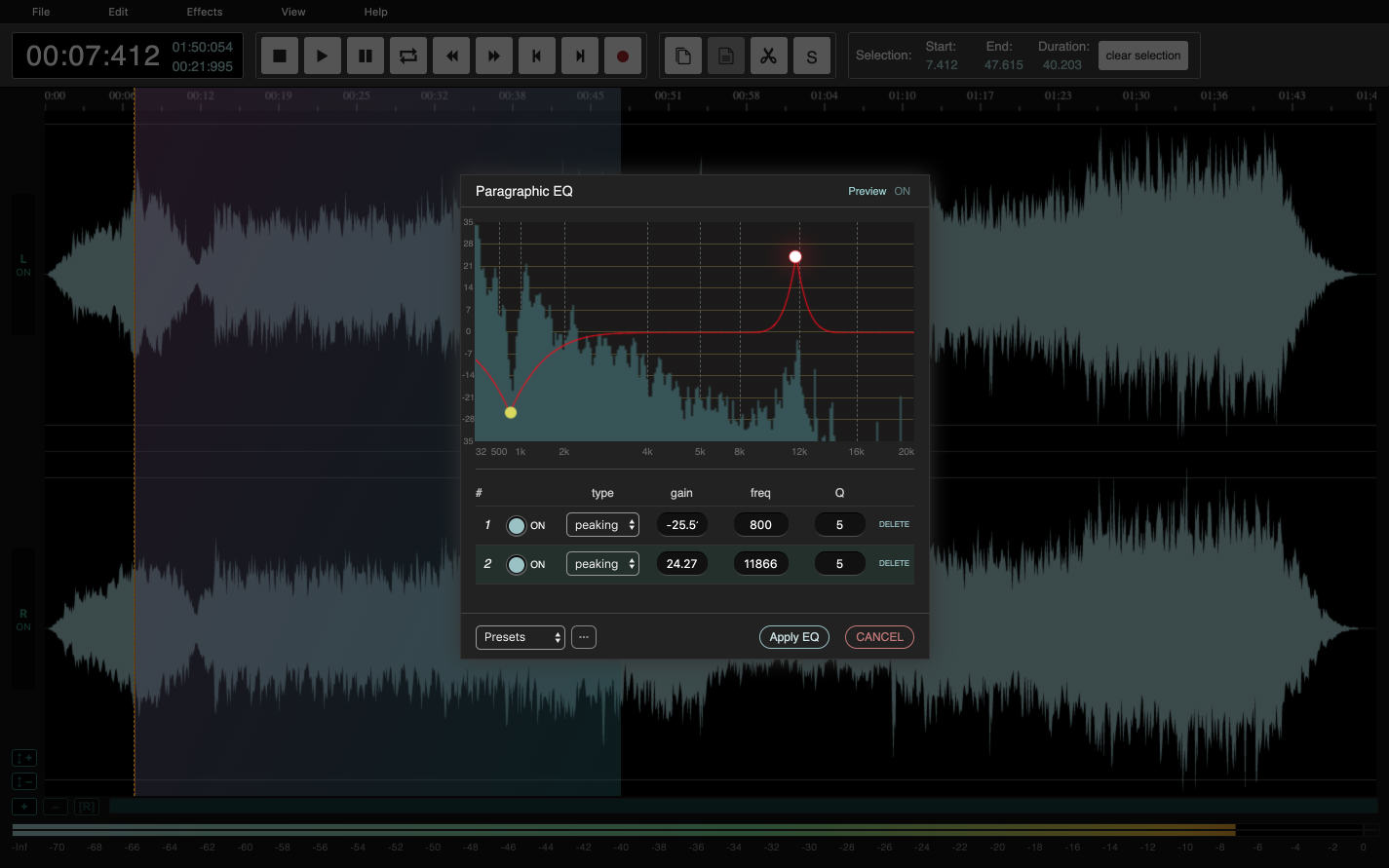
AudioMass is a full-featured audio and waveform editor that runs in a web browser, with nothing to install and no account to create. It is for anyone who needs to trim a podcast intro, clean up a voice memo, make a ringtone, cut a seamless loop or bounce a quick multitrack mix, and who would rather open a tab than install a desktop editor. Its charm is how much it packs into how little. AudioMass is written in plain, framework-free JavaScript, weighs under 100 KB compressed and has no backend: your audio never leaves your machine, and the editor even works offline. Created by developer Pantelis Kalogiros and published on GitHub, where it has collected thousands of stars, it has grown from a single-track editor into a tool with markers, beat detection, repair tools and, most recently, a proper multitrack mode with clips, crossfades and armed recording. Highlights: • Waveform editing with zoom, pan, cut, copy, paste, trim, silence, reverse and invert • Effects including compressor, normalization, paragraphic EQ, reverb, delay, distortion and pitch shift • Graph-based pitch and speed profiles, plus click, hum and edit repair • Named markers for cue points, with keyboard jumps between them • Automatic beat detection with beat bars and snap-to-beat editing • Seamless loop creation with crossfade preview • Multitrack mode with clip dragging, crossfades, recording and mixdown • Recording from the microphone and export to MP3 AudioMass is completely free. Its own code is released under the MIT license (bundled third-party libraries keep their own licenses), and you can run your own copy with the small Go or Python server included in the repository. It works in modern desktop and mobile browsers on any operating system.
Reviews
Sign in to review. Reviews carry how long you have used the product.
No reviews yet. The first one from someone actually using it is worth a lot.
Similar

BeepBox
Free online tool for sketching and sharing chiptune-style music
Web
AppsOpen source
Wealthfolio
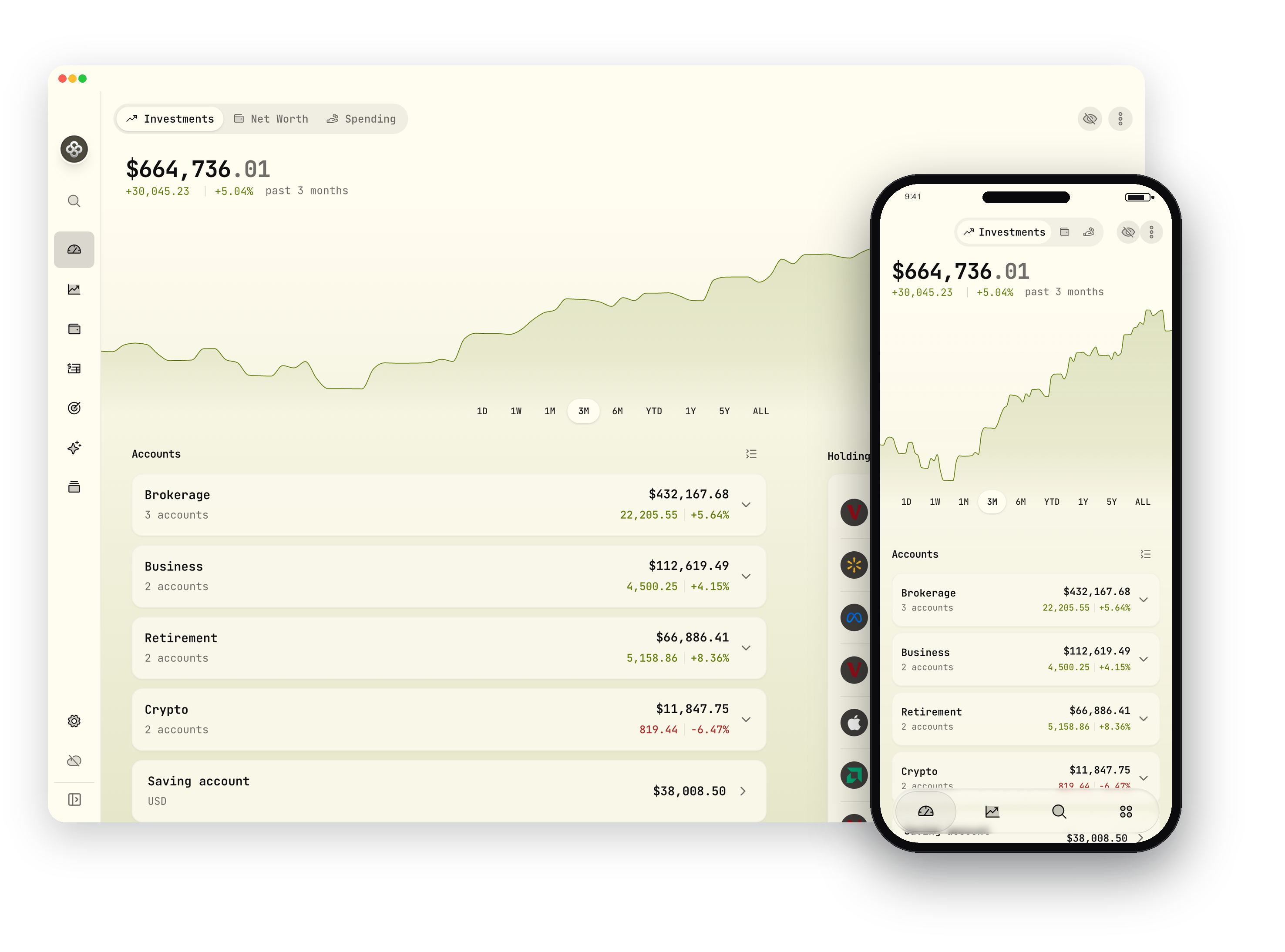
Private, open-source investment tracker and personal finance app
DesktopiOSAndroid
AppsFreemium
Bruno
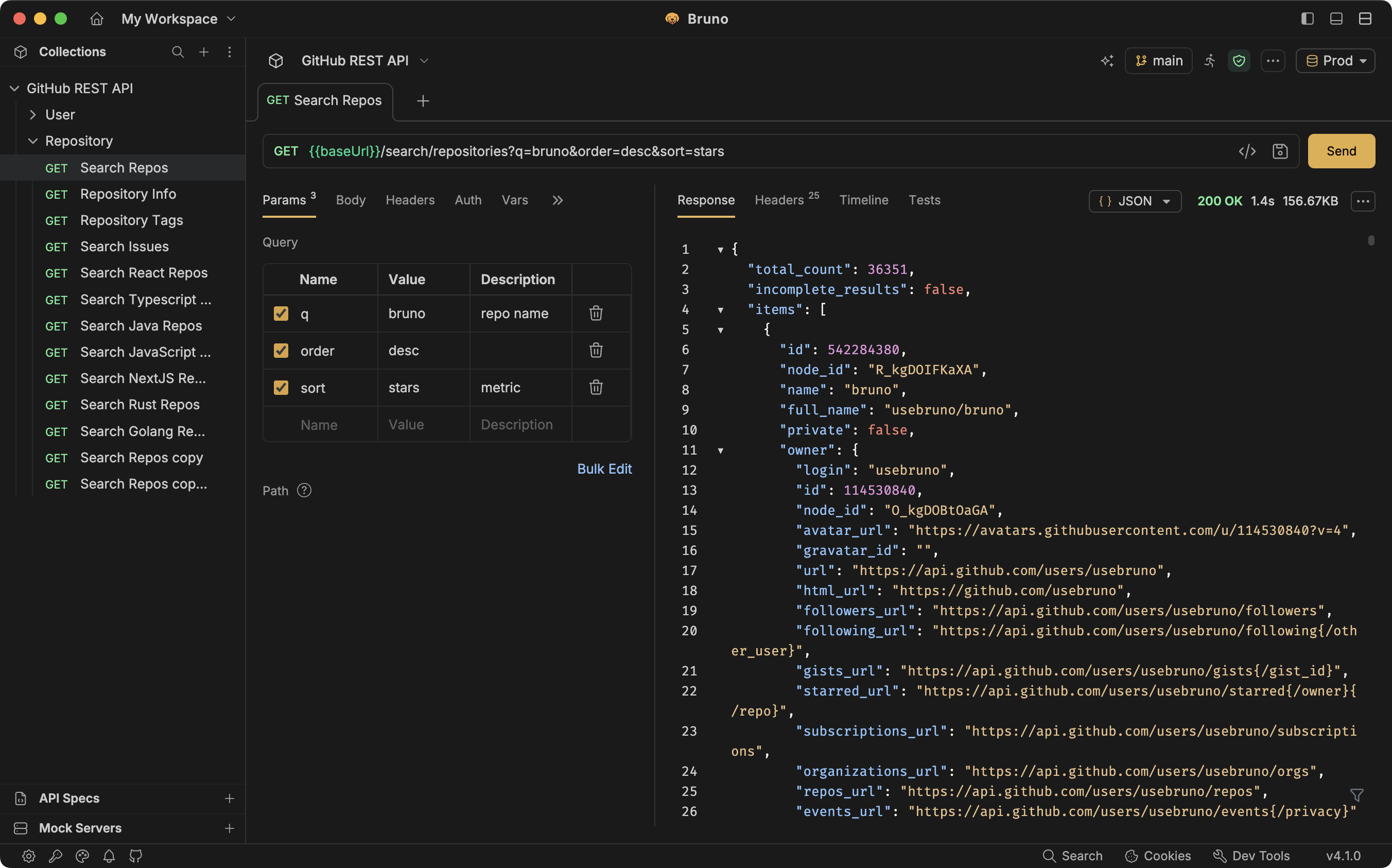
Git-native, offline-first open source API client
Desktop
AppsFreemium

Excalidraw
Open-source virtual whiteboard with a hand-drawn look
Web
AppsFreemium
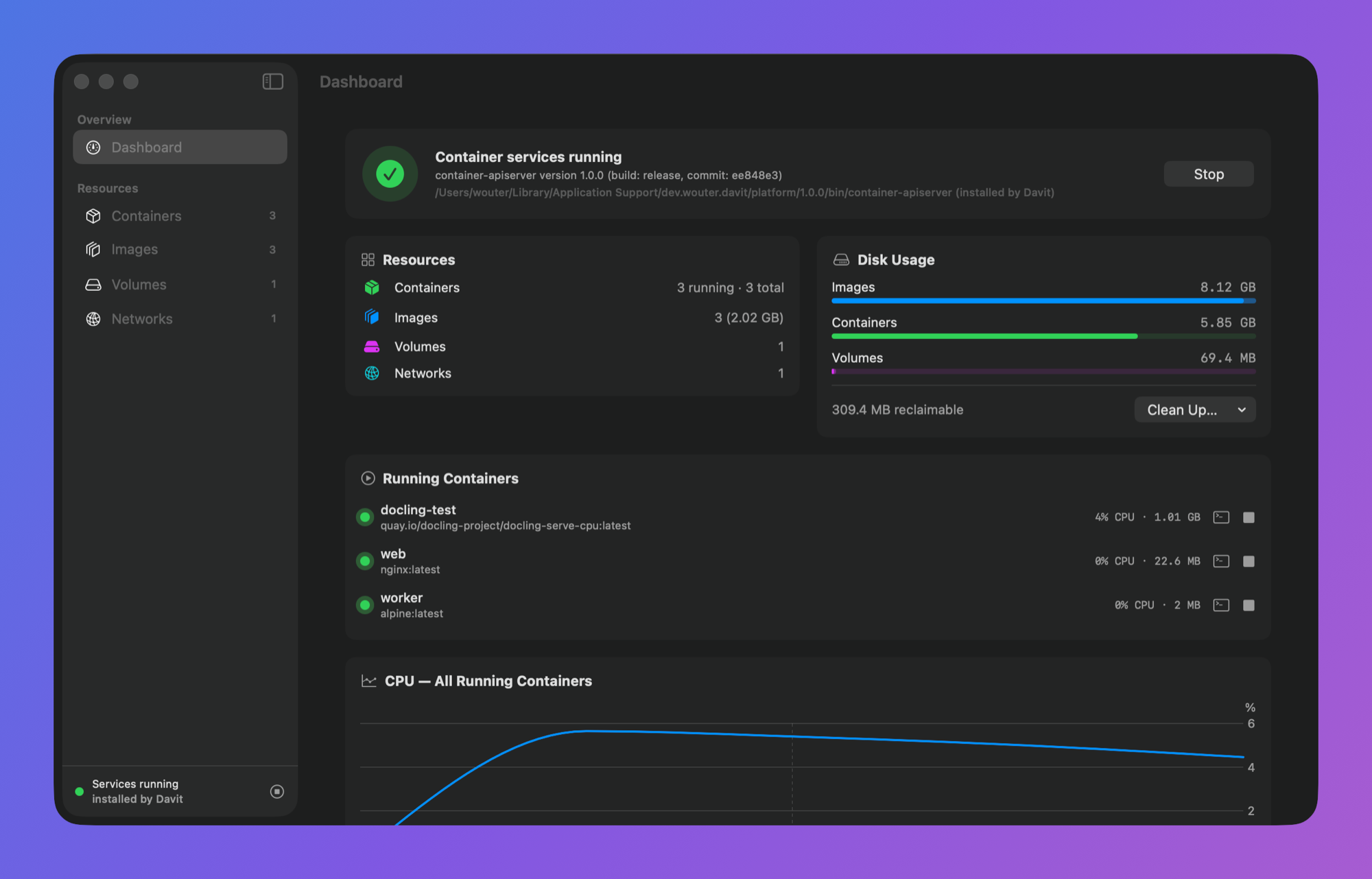
Davit
Free native macOS app for managing Apple's container platform
Desktop
AppsOpen source
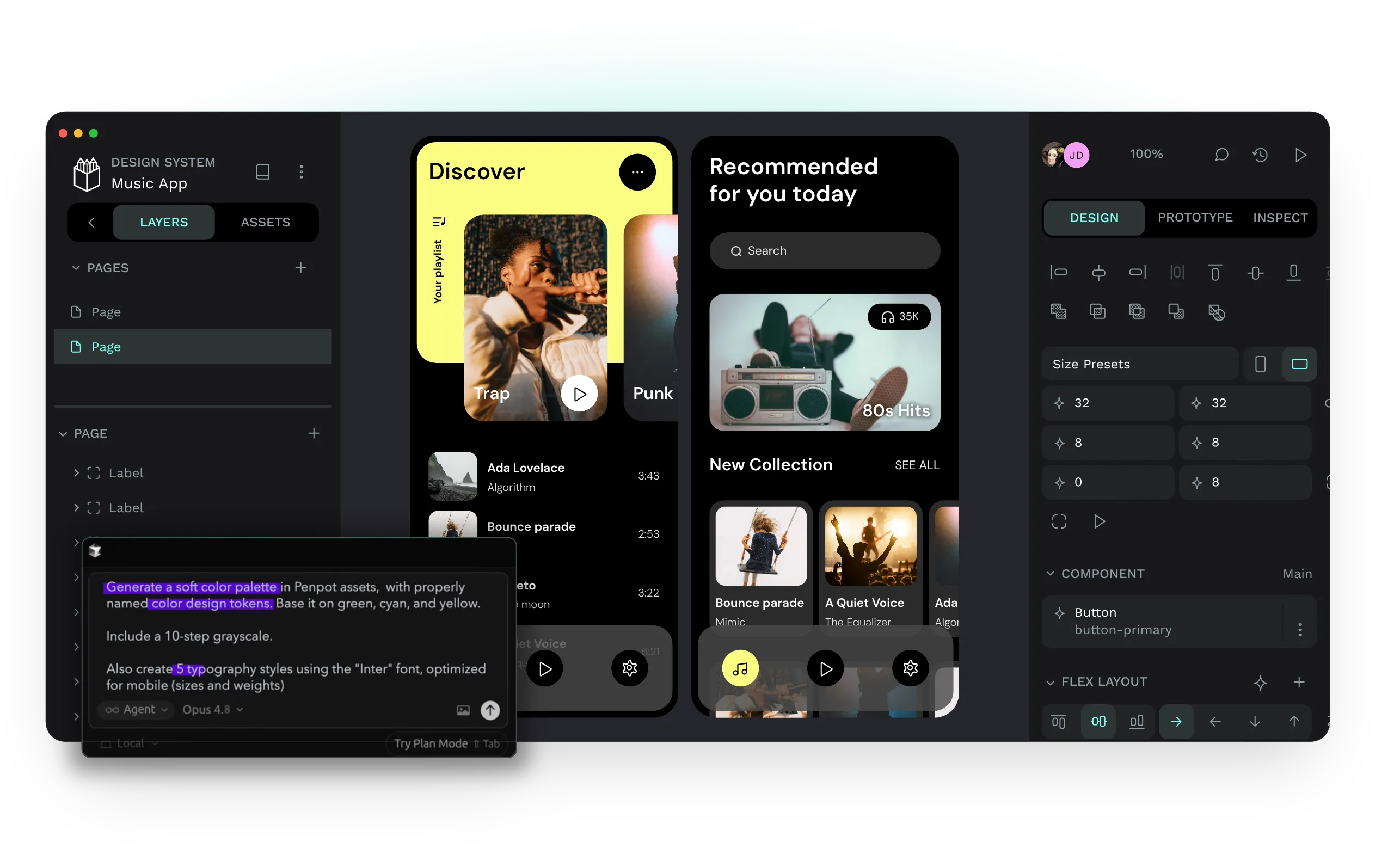
Penpot
Open-source design and prototyping platform for product teams
Web
AudiomassOpen