 1 / 2
1 / 2About
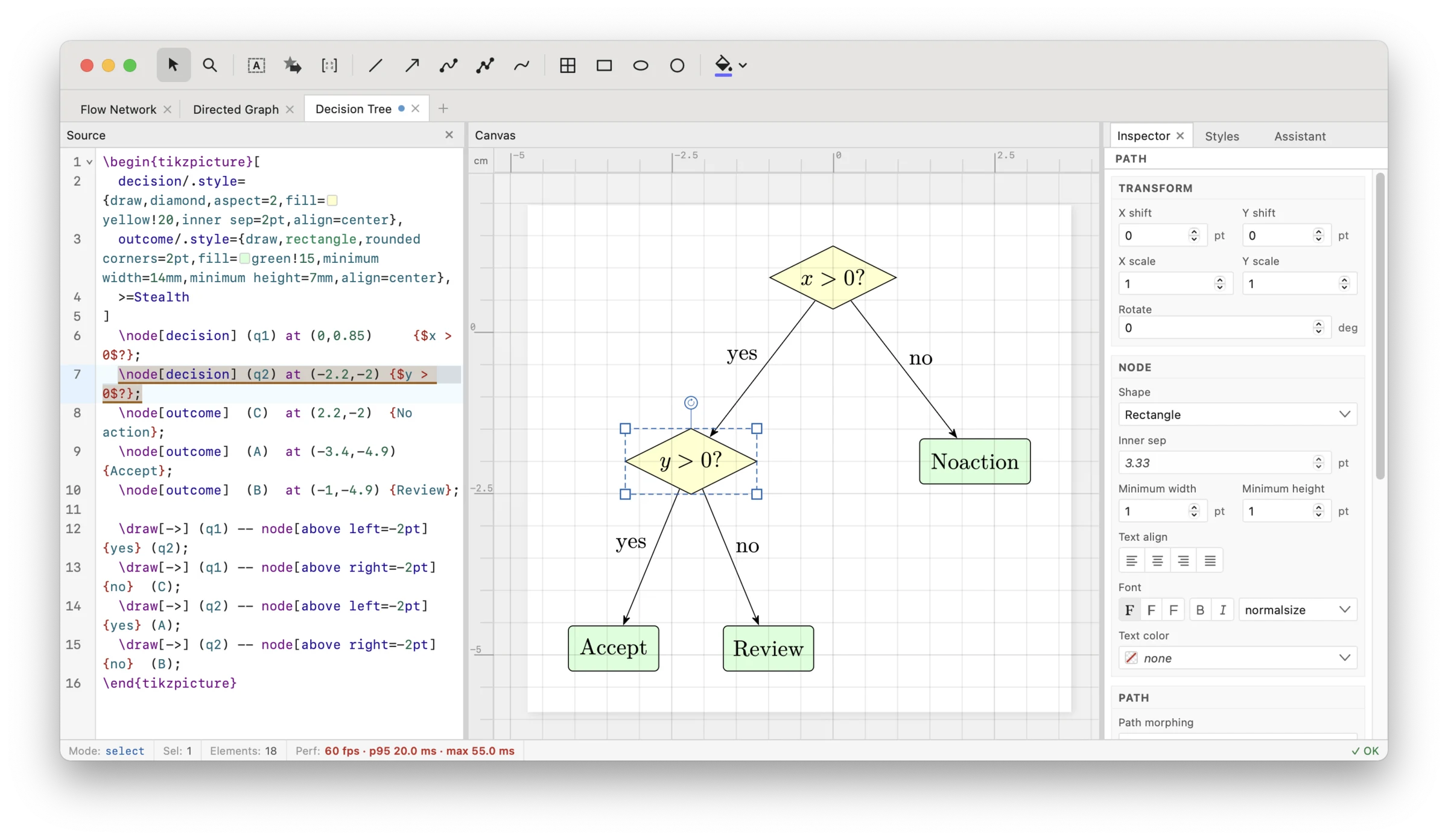
TikZ Editor is a visual editor for TikZ, the LaTeX package that researchers, teachers and students use to draw diagrams in papers, slides and theses. Instead of nudging a coordinate, recompiling and checking the PDF over and over, you drag shapes and labels on a canvas while the TikZ code updates instantly beside it. It is for anyone who writes LaTeX and has ever lost an afternoon to positioning arrows. Its standout trait is respect for your source. Most graphical TikZ tools generate their own code, but this one edits the code you already have and changes only the numbers, leaving your line breaks, spacing and formatting intact. You can start from scratch, paste an existing figure, or open a whole paper's .tex file and edit its figures in place, and it understands common constructs including \foreach loops, trees and matrices. It is made by Dominik Peters, who also maintains tikz.dev, the popular online HTML edition of the PGF/TikZ manual. Highlights: • Visual canvas with tools for shapes, paths, Bezier curves, freehand drawing and more • Live source editor with syntax highlighting, autocompletion and number scrubbing • Two-way sync between the canvas and the code • Edits only coordinates, preserving your existing formatting • Open .tex files directly and work with multiple figures • Export to SVG, PDF or PNG, and import from SVG, IPE or PPTX • 25+ node shapes plus trees, matrices, loops and styling • Desktop app with native file dialogs, automatic updates and an AI assistant TikZ Editor is free and open source under the MIT license. It works in the browser at tikz.dev/editor, and as a lightweight desktop app for Windows, macOS and Linux.
Reviews
Sign in to review. Reviews carry how long you have used the product.
No reviews yet. The first one from someone actually using it is worth a lot.
Similar
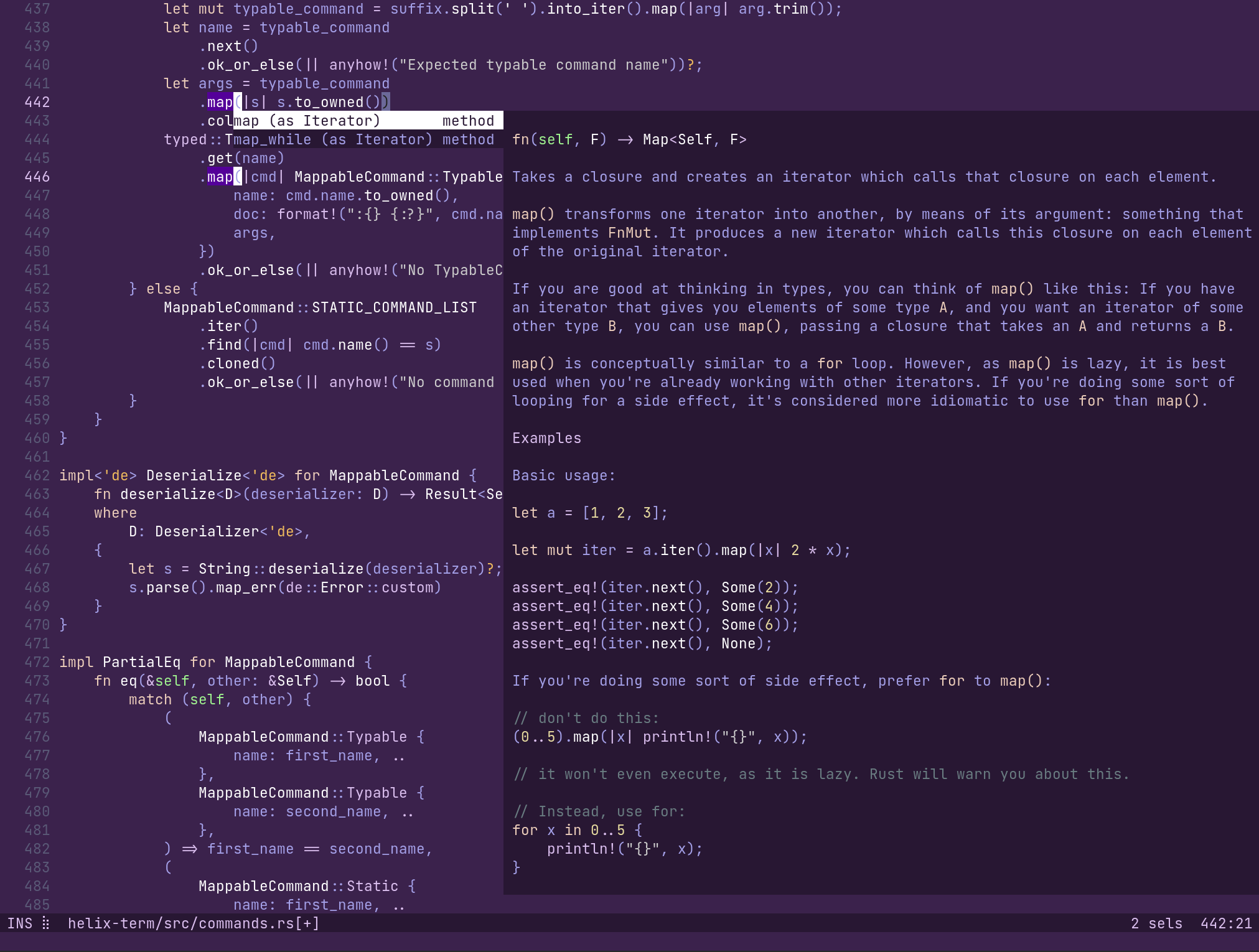
Helix
Post-modern modal text editor for the terminal, written in Rust
Desktop
ToolsOpen source
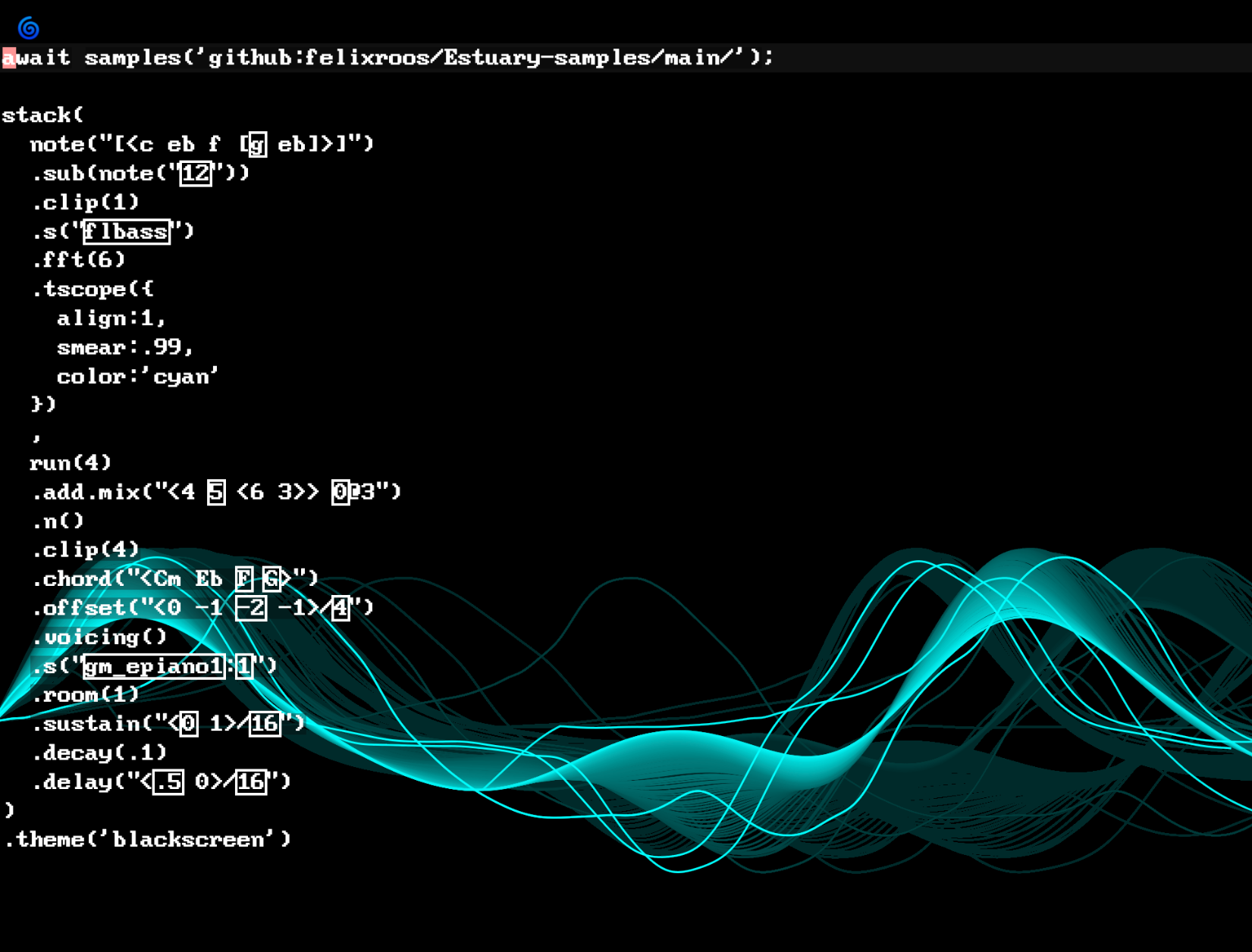
Strudel
Live coding music environment in the browser
Web
ToolsOpen source
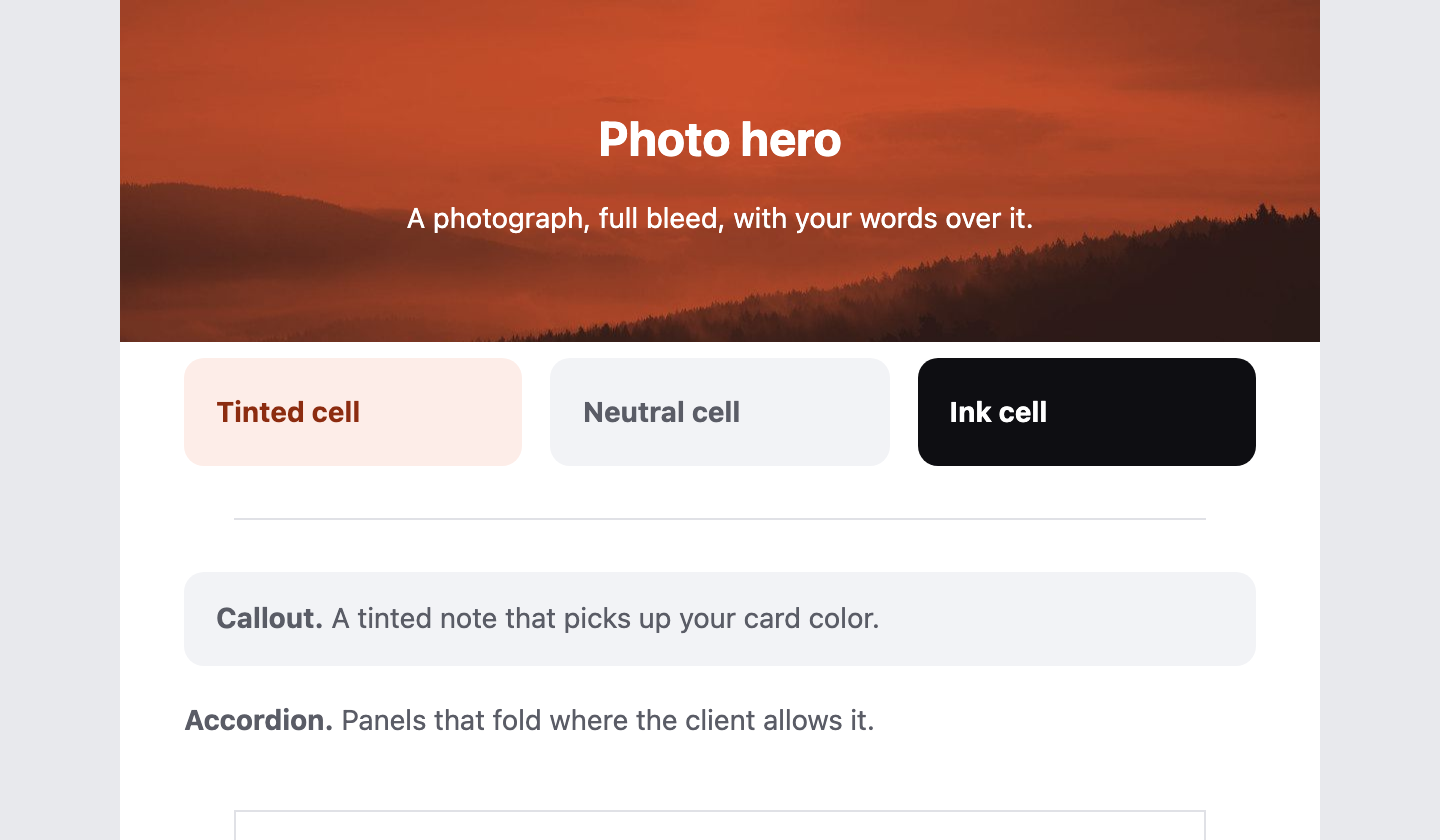
Email.md
Write responsive, email-safe HTML emails in plain Markdown
Web
ToolsOpen source
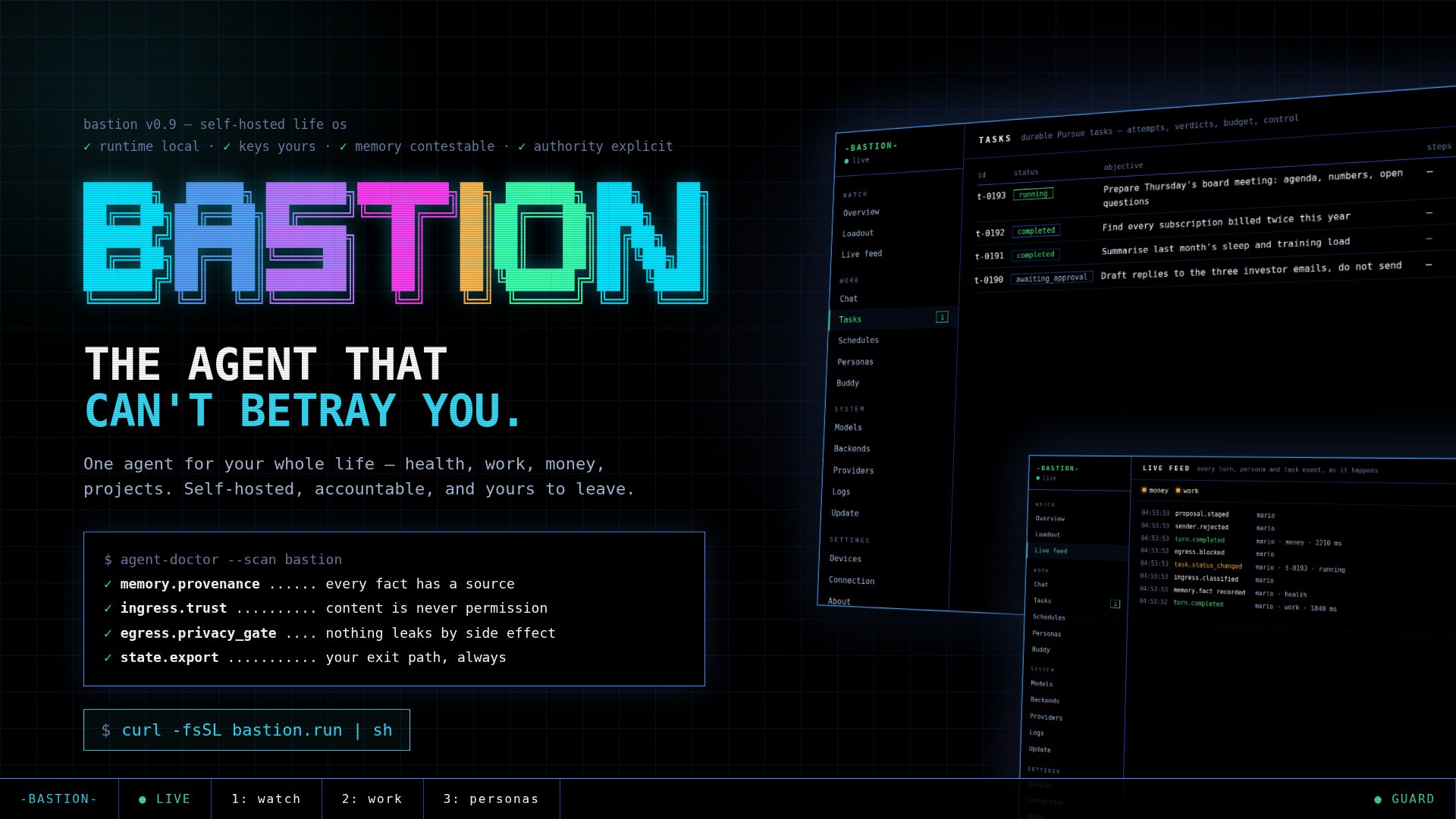
Bastion
A self-hosted Life OS: the agent that can't betray you
Desktop
ToolsOpen source
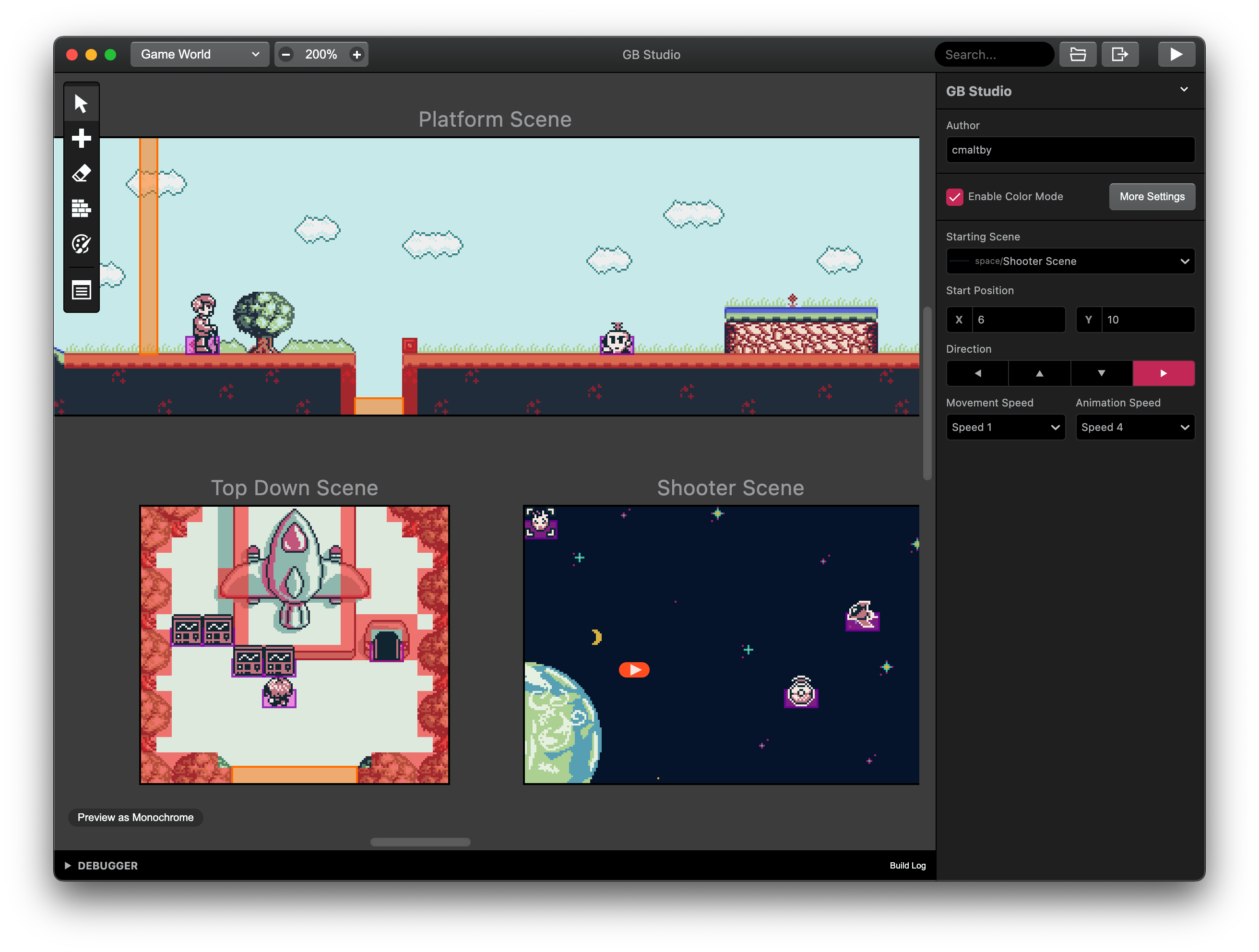
GB Studio
Drag-and-drop game creator for real Game Boy ROMs
Desktop
ToolsOpen source
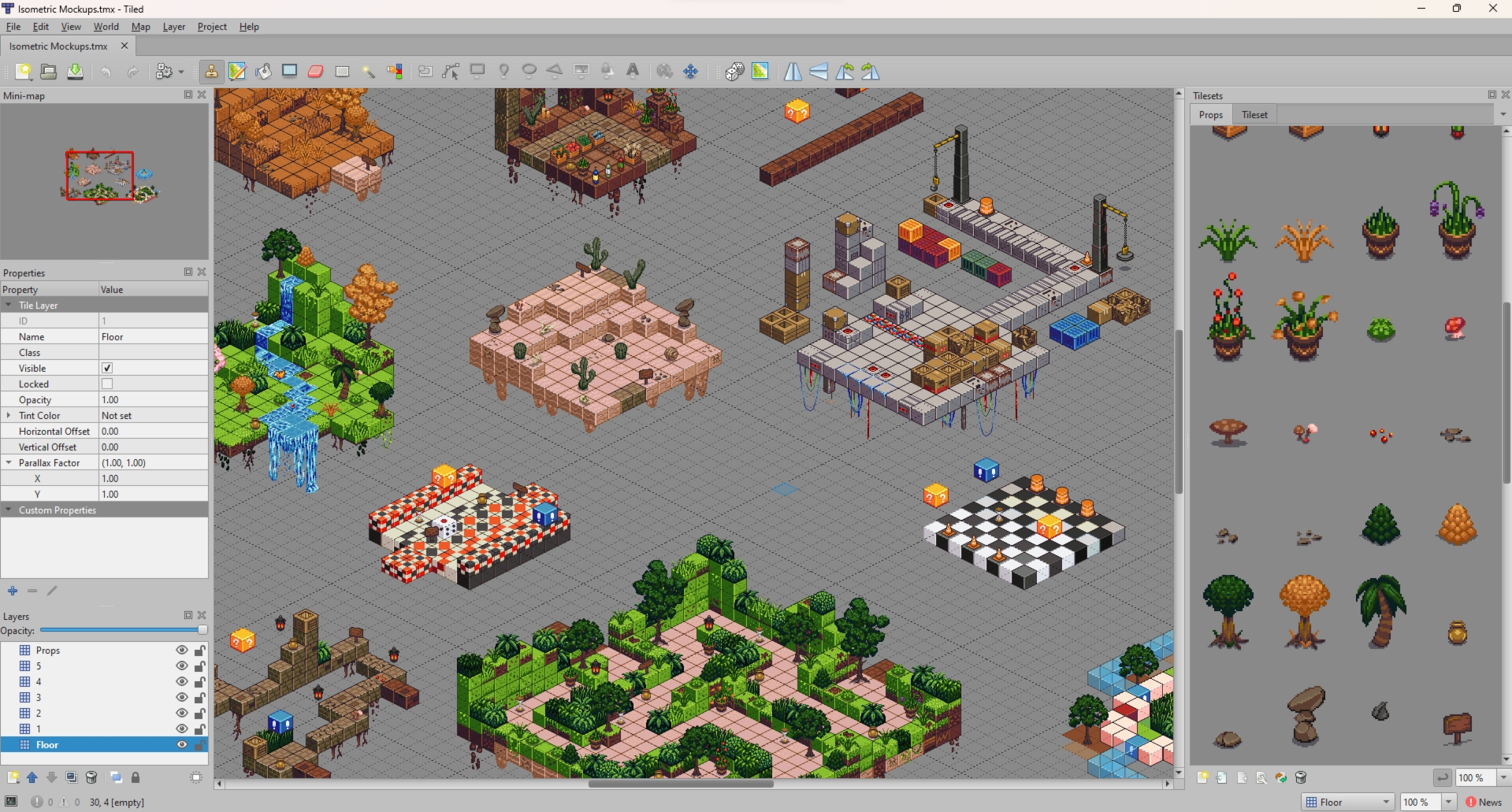
Tiled
Free, open-source level editor for tile-based and 2D games
Desktop
ToolsOpen source
TikZ EditorOpen